Alibaba's Wan3.0 Video Model Takes PowerPoint and PDF Files as Reference Material - Up to 30 Seconds at 30fps
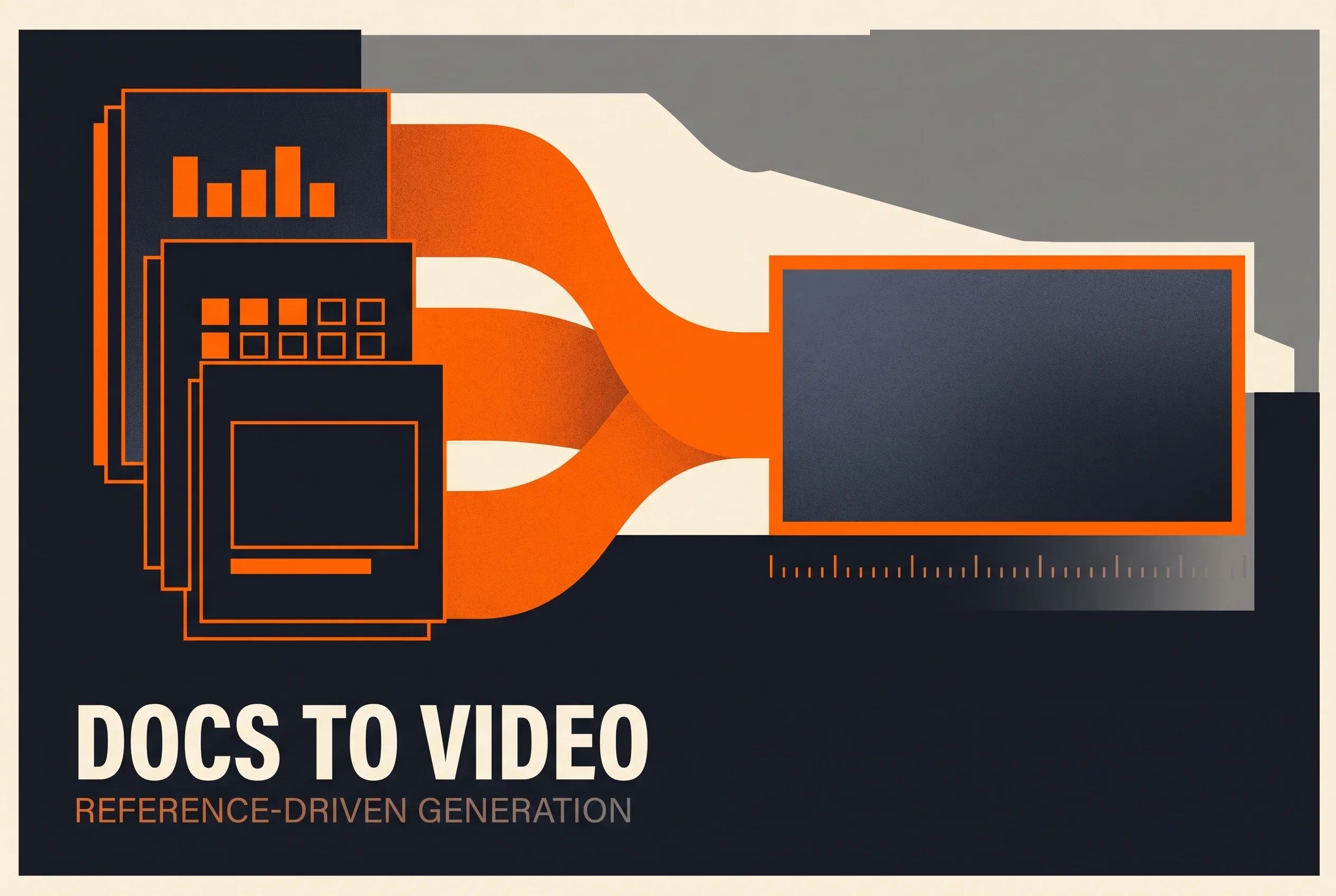
Alibaba Cloud has published API documentation for its Wan3.0 video generation model. It runs up to 30 seconds at 30fps and handles text, image, and reference-based generation in one model. The notable part is the input: docx, pptx, and pdf files (up to 50 pages) and one public web page can be passed as reference material.
API documentation for the video generation model Wan3.0 (万相3.0, model ID wan3.0-video) has been published on Alibaba Cloud’s Model Studio platform1. TechNode reported on August 24 that Alibaba had launched Wan3.0 with 30-second generation and document input2.
The official documentation describes it as an “All-in-One” reference video generation model that handles text-to-video, image-to-video (first frame, or first and last frame), and reference-to-video within a single model1. Maximum length is 30 seconds, with output at 30fps1.
Hand It a Document, Get a Video
The part of the spec that stands out is not the duration — it is the input side.
Reference material (media) is not limited to images, video, and audio. Files and web pages appear as input types as well1. Supported file formats are docx, doc, xlsx, xls, pptx, ppt, pdf, txt, key, pages, numbers, and md, with a limit of 50 pages (validated for pdf, docx, doc, pptx, ppt, key, and pages)1. A Word proposal, an Excel list, a PowerPoint pitch deck, a Keynote presentation, a Pages manuscript — the files people already produce at work fit inside the reference-material slot.
Web page input (type=link) is capped at one and cannot be combined with file input. Only publicly accessible pages that require no login can be parsed; the documentation gives news articles, blogs, and official-account posts as examples1.
The sample code in the official documentation is built around this pattern: an example that creates a smart-glasses product advertisement by passing a single pptx file in media alongside a prompt describing the intended look1.
Reference material has ceilings too. Reference video is capped at five clips totalling no more than 15 seconds, and reference audio likewise at five clips totalling no more than 15 seconds1. Reference images support JPEG, JPG, PNG (no alpha channel), BMP, and WEBP1.
Parameters That Matter in Practice
A handful of generation parameters meaningfully change how the model is used1.
Resolution comes in three tiers — 1080P, 720P, and 480P — with 1080P as the default. Aspect ratio can be adaptive (the default, recommended automatically from the input media’s ratio and the inferred intent) or one of 16:9, 4:3, 1:1, 3:4, and 9:16. Having vertical video available directly is practical for social-first production.
Duration defaults to 5 seconds. With no video input, you can specify an integer from 2 to 30 seconds; with video input, the total input video length plus the output length must stay within 30 seconds. Passing -1 switches on a smart-duration mode, in which the model recommends an appropriate length from the prompt and the input content.
Audio is on by default, so generated video includes sound. Turning it off produces video with no audio track, and the documentation explicitly states that pricing is the same either way1. Watermark is off by default1. Prompt rewriting (prompt_extend) is on by default; the documentation notes the effect is most visible with short prompts but increases processing time1.
Calls are asynchronous, and generation typically takes one to five minutes. The flow is “create task, then poll for the result,” and the returned task_id is valid for 24 hours1. Anything built around this needs that wait designed in.
Region Constraints
The listed endpoints cover five locations: Beijing, Singapore, Japan (Tokyo), Germany (Frankfurt), and the United States (Virginia)1. The Tokyo region gives a domestic option for use in Japan.
But the documentation is explicit that the model, endpoint URL, and API key must all belong to the same region, and cross-region calls will fail1. It advises confirming a model’s region in the model catalogue beforehand. If where data gets processed is a business requirement for you, this is the first thing to check.
What Isn’t Known
There is also plenty the official documentation does not tell you.
Nothing is said about quality or how it compares to other models. An API reference is a specification document; it contains no benchmark figures or comparisons. How much better it is than the previous generation cannot be judged from this material either.
The weights have not been released. On Hugging Face, the Wan-AI organization’s most recent models as of August 25, 2026 are the Wan2.2-Animate-2-14B family, updated on August 13; there is no Wan3.0 repository. The company has been releasing Qwen3.8 weights in stages and had signalled an open-weights release for the Max class, but for the video model the current form is API access only.
That Alibaba’s AI activity is accelerating is visible from another angle as well. On August 23 the company announced an HK$80 billion share placing in Hong Kong, with 100% of the proceeds going to AI capabilities — a placing scheduled to close on August 26. The video model published the next day puts a concrete product shape on one destination for that money.
From a production standpoint, the change here shifts the question from “how do I write the prompt” toward “which document do I hand over.” If a proposal deck or a set of slides is now the raw material, the output has to be in mind while those documents are being written. The 50-page ceiling means choosing what to pass becomes work of its own.
Sources
- Wan 3.0 Video Generation API Reference - Model Studio - Alibaba Cloud official documentation
- Alibaba launches Wan3.0 video model with 30-second generation and document input - TechNode (August 24, 2026)
Was this article helpful?
Thank you!
Received. Thank you!