Google Pics Brings Image Generation and Editing Into Workspace, Callable From Docs and Slides
Google announced Google Pics on September 1, an image creation and editing tool built on Nano Banana. It handles object segmentation, in-image text editing and translation, and upscaling to 2K or 4K, and can be opened on an image inside Docs or Slides with one click.
Google announced Google Pics, an image creation and editing tool for Google Workspace, on September 1, 2026 1. It is built on the company’s Nano Banana image generation and editing model, and the announcement frames the use cases as designing a poster, producing social media posts, and editing digital illustrations 1.
It is rolling out over the coming weeks to all Google AI Pro and Ultra subscribers and most Workspace business customers 1. Pics works both as a standalone product and inside Workspace apps: the integration starts with Docs and Slides on September 1 and reaches Drive in the coming weeks 1. The standalone version is at pics.new 1.
Built for fixing images, not just making them
The features named in the announcement lean toward working on an image you already have rather than generating from nothing 1.
Object segmentation isolates an object in an image and transforms it without altering the rest. You can enter text comments on specific areas to request targeted changes, and execute multiple edits at once 1.
In-image text editing and translation modifies or translates text inside an image without disrupting the design or changing the font 1. For teams producing the same deck in several languages, that means swapping the words without going back to whoever made the artwork.
Beyond those, the announcement lists collaboration — sharing a Pics creation with friends and teammates and editing the same image together — and multiple generations, where a single prompt yields several options to pick from 1.
The Workspace blog spells out the precision editing tools in more detail: selecting and editing individual objects within an image, editing, reformatting, or translating individual text elements, cropping for web, social media, print, or digital, upscaling to 2K or 4K, and processing multiple edits at once with easy reversion of unwanted changes 2. Images can be imported from your computer, Google Drive, or Google Photos, or generated by typing a prompt 2.
The plan list is more specific there too. Pics is rolling out starting the same day to customers on Business Standard, Business Plus, Enterprise Standard, and Enterprise Plus plans, on the Google AI Pro and Ultra personal plans, or on the Google AI Pro for Education plan 2.
Improvements to the image models themselves have arrived as standalone announcements — the release of Nano Banana 2 Lite and Gemini Omni Flash, for instance — while this one is about putting that capability on the screen where the work already happens. The Nano Banana line is also covered in our guide to Nano Banana Pro. Note that the announcement says only “our Nano Banana image generation and editing model,” without naming a specific generation 1.
The point is not switching apps
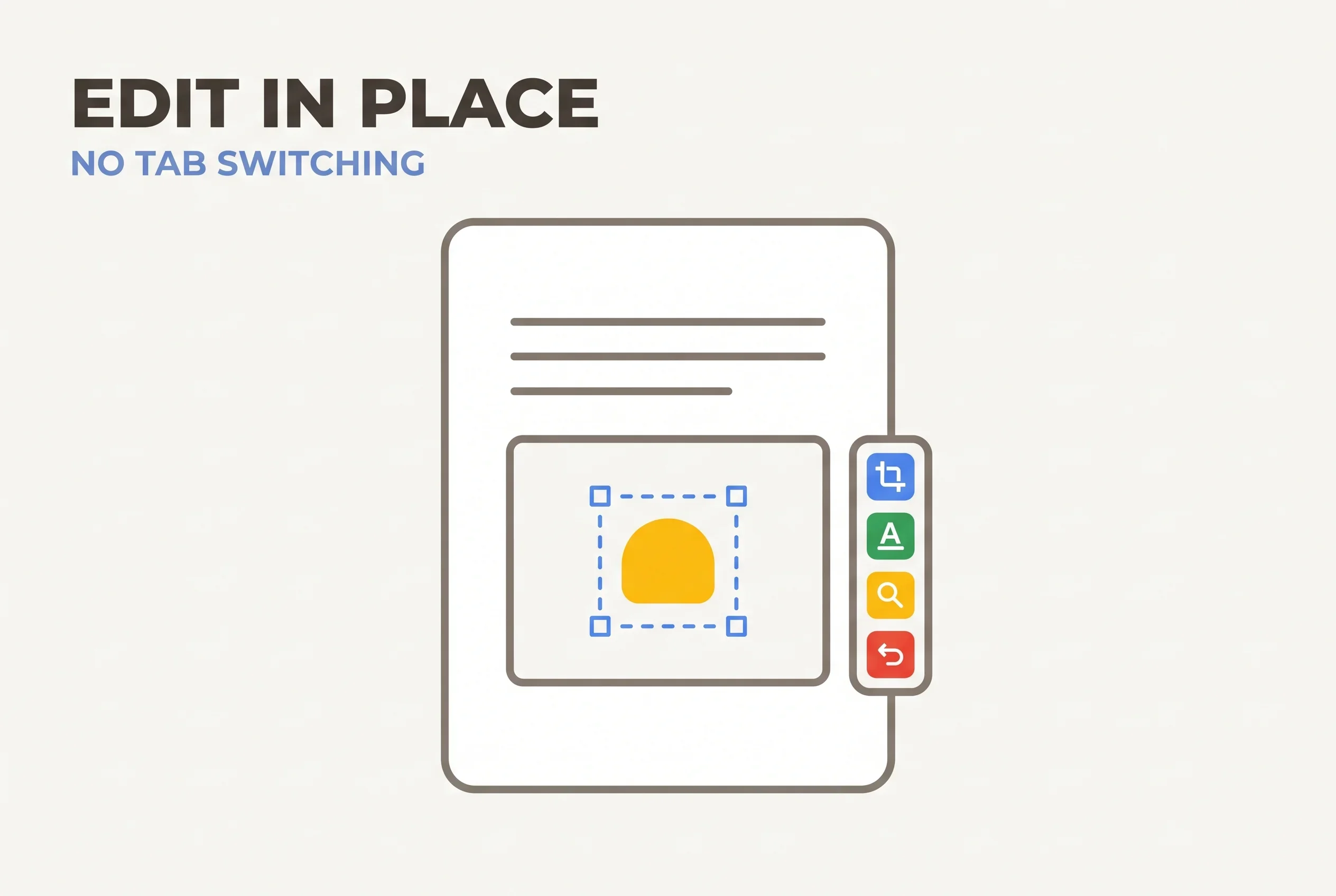
Google frames the integration around scale: millions of users interact with billions of images across Workspace products every month 1. “You shouldn’t have to jump between applications to create and share visuals,” the company writes, saying that image generation and editing now happen where you already are, with no copying, pasting, or tab switching 1.
The announcement also shows dropping files directly from Google Drive into Google Pics to design brand concepts 1. In practice, you select an image in Google Docs or Slides and a single click opens Pics’ full suite of precision AI tools without switching apps or tabs 2. Opening and editing nearly any image saved in Drive with one click is due in the coming weeks 2.
Where this pays off is the round trip when fixing an image in a deck or a proposal. Work that meant opening a separate editor, exporting, and pasting back now stays inside Slides or Docs. On the other direction of Workspace-AI plumbing, Cursor added Google Workspace plugins in August so external tools can reach Workspace data.
What the announcements leave out
The gaps may matter as much as the features.
Neither announcement states pricing itself, generation limits, or the number of supported languages 12. The blog.google wording for eligibility is “all Google AI Pro and Ultra subscribers and most Workspace business customers” — not every Workspace user 1.
Provenance labelling of the output is not addressed either. For Gemini images, a setting to turn off the visible watermark arrived in August, with the invisible SynthID watermark and C2PA metadata staying embedded regardless. How Google Pics output is handled is something to check once it actually rolls out.
TechCrunch reports that, unlike Canva’s marketplace model where creators publish templates and assets and earn royalties, Google Pics is “a tool where you prompt to create, not where you design something new from scratch” 3. Google’s own announcement makes no mention of Canva, so that comparison belongs to the reporting.
Pulling image editing inside business apps is a broader move. OpenAI added transparent background support to its image generation API in August. Google Pics takes the step after that one — the fixing, not the making — and puts it in the app that is already open.
Sources
- Try Google Pics: Easy image creation and editing in Google Workspace - Google official blog (September 1, 2026)
- Google Pics brings pro-level AI image creation and editing to Google Workspace - Google Workspace official blog (September 2, 2026)
- Google’s answer to Canva is an AI tool where you prompt instead of design - TechCrunch (September 1, 2026)
Was this article helpful?
Thank you!
Received. Thank you!