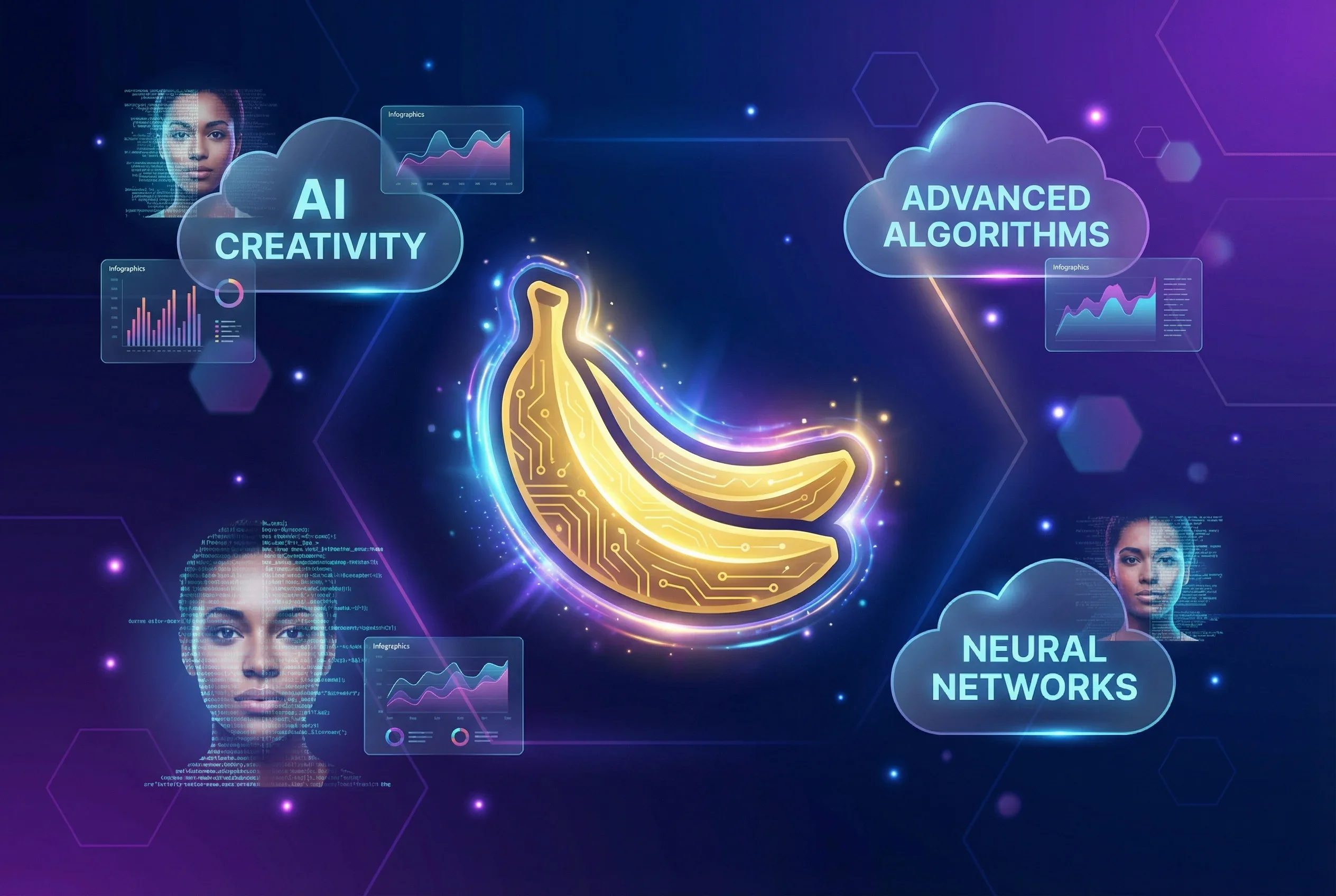
Nano Banana Pro (Gemini 3 Pro Image): Features and How to Use It
Nano Banana Pro, Google's Gemini 3 Pro Image model, raises the bar for AI image generation with legible in-image text rendering and up to 4K resolution output. What it can do and how to use it.
On November 20, 2025, Google DeepMind announced Nano Banana Pro (officially named Gemini 3 Pro Image), a new AI image generation and editing model1. Built on Gemini 3 Pro, this model achieves legible text generation—something traditional AI image generators have struggled with—and supports output up to 4K resolution.
Nano Banana Pro is available across Google services including the Gemini app, Google Ads, Google AI Studio, and Vertex AI. CNET’s review called it “the best AI image tool I’ve tested”2, drawing attention to its high quality.
Key Features of Nano Banana Pro
Legible Text Generation
Traditional AI image generation models typically produced distorted or unreadable text in images. Nano Banana Pro can generate clear text for posters, infographics, and product mockups1. It handles everything from short taglines to long paragraphs, with support for multilingual text generation, translation, and localization.
High-Resolution Output and Studio-Quality Controls
Nano Banana Pro supports image output at 1K, 2K, and 4K resolutions3. Advanced creative controls include camera angle adjustment, focus changes, color grading, and lighting modifications (such as day-to-night conversion and bokeh effects).
Image Generation Using Real-World Knowledge
Leveraging Gemini 3’s advanced reasoning capabilities and real-world knowledge, the model can generate complex infographics and historically accurate scenes1. Integration with Google Search enables image generation reflecting real-time information like weather data and sports scores.
Consistent Generation with Multiple Reference Images
Users can combine up to 14 reference images to generate images while maintaining consistency for up to 5 characters3. This enables bridging the gap from concept to creation, such as converting sketches to products or blueprints to photorealistic 3D structures.
How to Use and Pricing
Nano Banana Pro is available through the following methods1:
- Consumers and Students: Use “Create images” with the “Thinking” model in the Gemini app. Free users receive limited quotas, while Google AI Plus, Pro, and Ultra subscribers get higher quotas
- Professionals: Image generation in Google Ads has been upgraded to Nano Banana Pro. Also available in Google Slides and Vids
- Developers and Enterprise: Available via Gemini API and Google AI Studio. Also rolling out in Vertex AI
- Creatives: Available in Flow for Google AI Ultra subscribers
API pricing is 24 cents for 4K images and 13.4 cents for 1K or 2K images3.
Image Editing Features
Nano Banana Pro supports not only image generation but also editing existing images. Background changes, lighting adjustments, and reflection removal can be performed through conversational interaction2. Editing precision and quality have improved compared to the original Nano Banana model.
However, fine editing tools are not provided, and image quality may degrade with iterative edits. For more granular control, using dedicated tools like Photoshop or Canva alongside is recommended.
Safety and Transparency Initiatives
Google embeds SynthID digital watermarks in all generated images1. Users can upload images to the Gemini app and verify whether they were generated by Google AI.
Images generated by free users and Google AI Pro tier users display a visible watermark (Gemini sparkle). This visible watermark is removed for Google AI Ultra subscribers and in developer tools.
Limitations and Considerations
While Nano Banana Pro achieves high quality, there are several limitations4:
- Factual Accuracy: When generating infographics or data visualizations, the model may misinterpret information or produce factually incorrect results
- Translation and Localization: While multilingual text generation is possible, issues with grammar, spelling, and cultural nuances may occur
- Generation Speed: Using a reasoning model, image generation takes approximately 50-120 seconds2
- Small Faces and Details: Generation of small faces and fine details still has room for improvement
CNET’s review also noted concerns that the highly realistic generated images make it difficult to distinguish whether they were AI-generated2.
Those interested in trying Nano Banana Pro can get started through the Gemini app or Google AI Studio.
Sources
- Introducing Nano Banana Pro - Google Official Blog
- Nano Banana Pro Is the Best AI Image Tool I’ve Tested - CNET
- Nano Banana Pro aka gemini-3-pro-image-preview is the best available image generation model - Simon Willison’s Weblog
- Gemini 3 Pro Image (Nano Banana Pro) - Google DeepMind
Was this article helpful?
Thank you!
Received. Thank you!