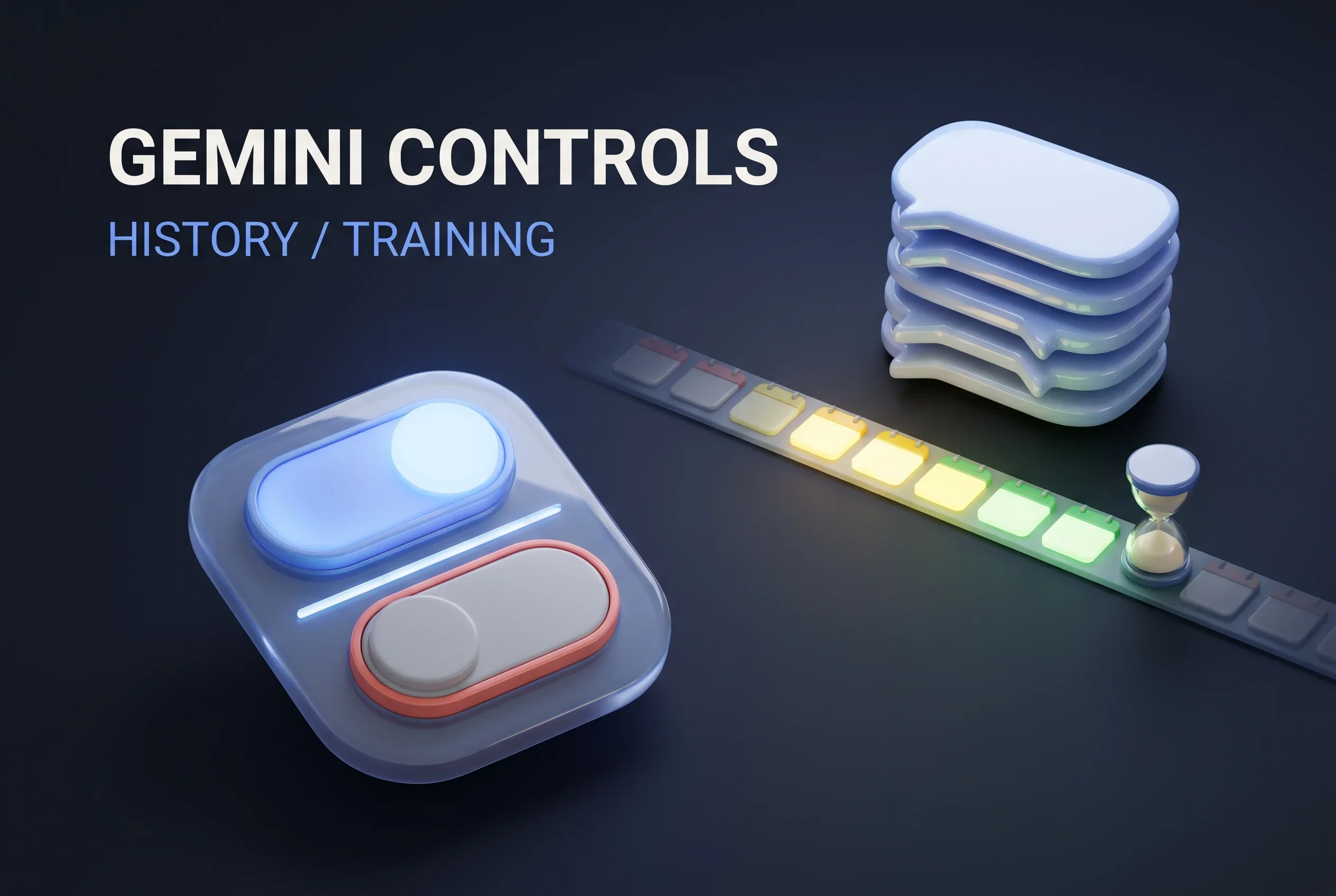
Gemini App Splits AI Training Opt-Out From History - Chats With History Off Kept for About Two Months
On November 16, 2026, Google announced a Gemini app setting that lets people keep their chat history while staying out of generative AI model training. Separately, future chats made with the new History setting turned off are kept for about two months. According to press reports, the earlier help page put that figure at 72 hours. Google will start rolling the change out worldwide in the coming weeks.
Google is reworking the Gemini app’s controls. People will be able to hold on to their chat history and still stop its content from feeding generative AI model training1. Separately, when the new History setting is off, upcoming chats are still stored for about two months. Notebookcheck reports that an earlier version of the help page gave 72 hours as the retention period both for chats made with history off and for temporary chats3.
Once the change reaches your account, switching history off will no longer be the price of opting out of training. For anyone who relied on “history off means it is gone in a few days,” however, the window during which chats stay on record becomes far longer. Google says it will begin the global rollout in the Gemini app within the next few weeks1.
Training and history get separate switches
Per Notebookcheck, a single control named Keep Activity used to govern both how long chats were stored and whether they could be used for training3. Keeping a history therefore meant accepting training too. Under the new arrangement, the History setting decides whether chats are stored at all and for how long, while a different setting decides whether chat content goes into training.
In its announcement, Google notes that you can retain history yet opt out of training, and that changing the storage period and looking through or manually deleting your history all remain available at any time1. The help page (Gemini Apps Privacy Hub) says history is auto-deleted after 18 months by default; that period can be shortened to 3 months, lengthened to 36 months, or turned off entirely2.
Neither the announcement nor the help page states what the training setting defaults to. Notebookcheck, citing 9to5Google, says people who currently have Keep Activity off will find both new settings off after the switch3. For everyone else, the materials we checked do not say which state they will start in. The help page says the training setting is managed in Gemini History.
What training covers, and what it does not
According to the help page, when the training setting is on, the content of upcoming chats feeds into the training of generative AI models2. That goes beyond prompts and attachments: Gemini’s replies, tasks and tool calls, where you are, and information from apps you have linked are among the items included. Before chats are sent to service providers for training, they are detached from the account.
With the setting off, upcoming chats are not used for generative AI model training unless you submit feedback. Even with the setting off, the help page says, chats are still reviewed, and Google puts them toward other kinds of service improvement and toward the safety of Google, the people who use it, and the wider public2. Audio, along with video and screen sharing in Gemini Live, falls under yet another setting, where you choose whether it may be used to improve services, including generative AI model training.
As the help page describes it, the settings apply to chats going forward. It states that chats that have been reviewed, along with associated data, are retained as long as 3 years, regardless of whether you delete them or later turn the setting off2.
History off still means roughly two months of storage
The second change concerns retention. Google says that with the new History setting off, upcoming chats are stored for around two months; Google uses them to reply to you, deal with feedback, and keep Google, the people who use it, and the wider public safe1. The announcement frames this as part of an effort to make Gemini safer.
The help page goes into more detail. Temporary chats and chats made with History off are both kept with the account for about two months2. Replies draw on the most recent 24 hours of conversation as context, and the page gives readiness for a possible system failure as one example of why the data is kept. Gemini Live chats are likewise stored in the Google Account for about two months when History is off.
On training, Google does not train its AI models on temporary chats. With History off and no feedback submitted, upcoming chats are not used for generative AI model training either2. If you do send feedback, context including the most recent 24 hours of chats, plus attachments, is collected with it, and reviewed material is retained as long as 3 years, separated from the account.
The help page says that whatever the settings, Google uses chats to respond and for protection purposes, with help from human reviewers2. Notebookcheck points out that for people who had switched everything off to hand Google as little as they could, Google ends up holding their chats far longer than before3.
What to revisit if you use Gemini for work
Google said in August that the Gemini app had passed 1 billion monthly users, and it seems likely that some of them paste work documents or notes into it while signed in to a personal Google Account. If your approach was “turn history off so nothing gets trained on,” the choice now looks different.
- If you only want to stop training: after the rollout, you can switch off just the training setting and keep your history. Because the default could not be confirmed from the sources, it is worth checking the training setting on the settings screen once the change arrives
- If you do not want chats retained: under the current wording of the help page, both chats made with History off and temporary chats stay with the account for about two months. The help page asks people not to enter confidential information they would not want a human reviewer reading2
- For what you have already entered: reviewed chats remain for as long as 3 years, deletion notwithstanding
The announcement says nothing about work or school accounts. The help page notes that Gemini app use through a Google Account issued by an employer or school may fall under different data handling terms, and points to a separate privacy hub covering Workspace’s generative AI features2. If you use Gemini through an organization’s account, this change may not carry over as is.
This is not the only recent change touching how Google handles data around Gemini. The privacy policy that took effect on October 16 says you can let services such as Search and the Gemini app reach into data held in other Google products. With the policy as with this change, it appears to fall on users to confirm where their data ends up and for how long it stays there.
Because the rollout takes several weeks, your settings screen may not have switched over yet. Notebookcheck says that as of November 17, one German account’s Gemini activity screen was still displaying the previous setting and the 72-hour figure3.
Sources
- We’re updating controls in the Gemini app. - Google official blog (November 16, 2026)
- Gemini Apps Privacy Hub - Gemini Apps Help
- Gemini separates history from AI training but keeps chats longer - Notebookcheck (November 17, 2026)
Was this article helpful?
Thank you!
Received. Thank you!