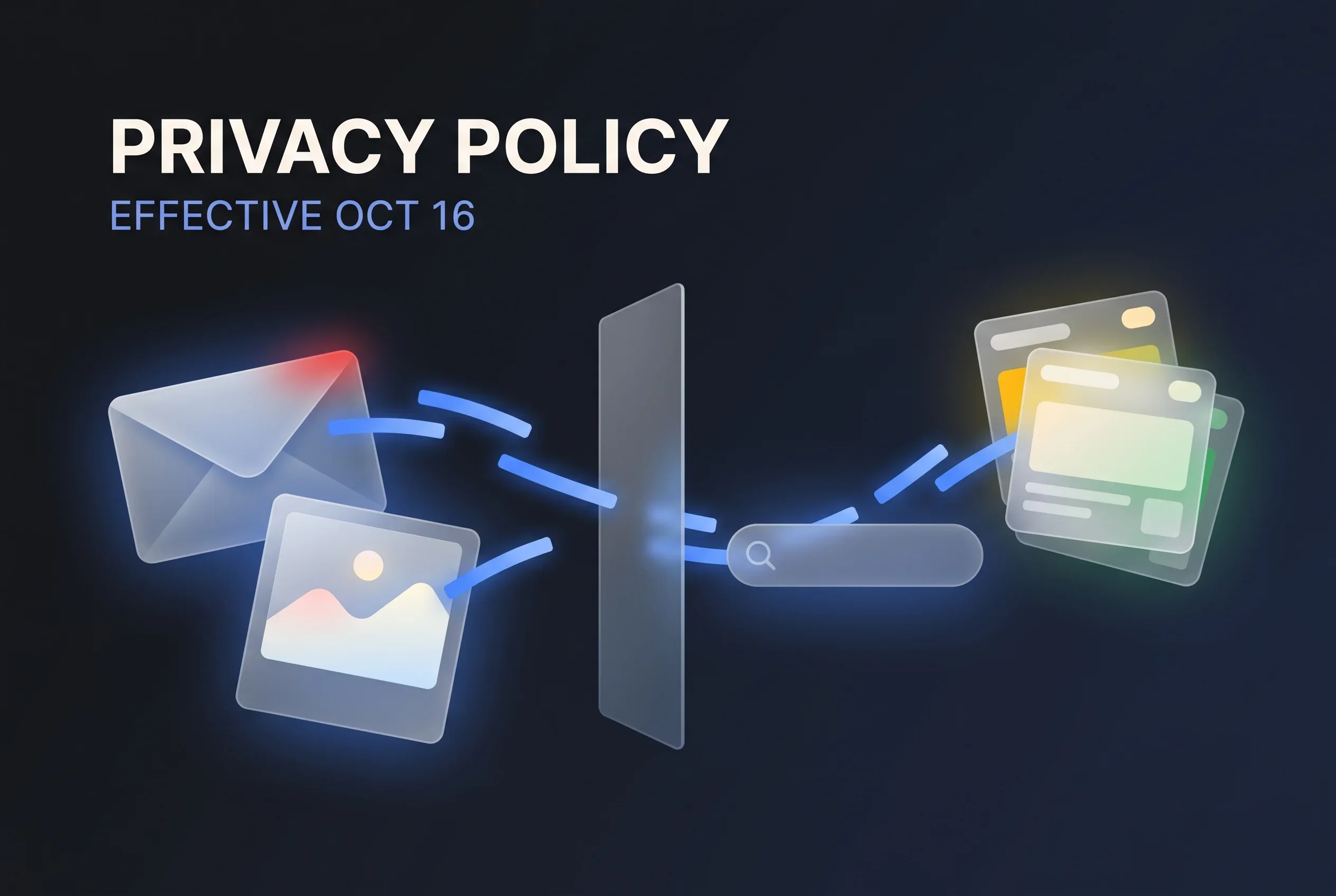
Google Revises Its Privacy Policy Effective October 16 - Gmail and Photos Data Connected to Search May Be Used to Personalize Ads
Google's privacy policy, revised effective October 16, 2026, adds an exception to its line about not personalizing ads based on Drive, Gmail, or Photos content: it no longer applies if you let other Google services use that data. Google's help page says summaries, excerpts, and inferences, not the inbox itself, may be used for ads.
Google’s privacy policy now carries a version that took effect on October 16, 20261. The previous version, effective October 1, said: “We don’t show you personalized ads based on your content from Drive, Gmail, or Photos.”2 That sentence now ends with an exception. Under the new version, the promise stops applying once you let Google services that serve personalized ads draw on what is stored in those three services.
The feature the policy names as an example of this kind of permission is Personal Intelligence in Search. Once Gmail or Google Photos is hooked up to Search services, AI Mode among them, answers are tailored with information drawn from your messages and pictures. Google’s help page on these connections says that what may feed into ads is not the inbox or photo library as such, but summaries, excerpts, and inferences derived from that content3. Anyone who has already connected these apps should look at what changed.
Three passages that changed between versions
Comparing the October 1 and October 16 texts, three passages related to advertising differ12.
| Passage | October 1 version | October 16 version |
|---|---|---|
| Drive, Gmail, Photos and ads | Ads are not personalized based on this content | The same sentence adds an exception covering the case where you let ad-supporting Google services use this data |
| Basis for personalized ads | ”interests and activity across Google services" | "interests, activity, or personalized content from Google services” |
| Access to data from other services | No corresponding text | New text saying you can permit Search, Gemini Apps, and other services to reach data held in Google Photos, Gmail, Drive, and other Workspace apps. Its example: “Search may process some of the data that you allow Search to access to personalize content, including ads.” |
The glossary also gained an entry on Personal Intelligence. It says that when you permit one service to handle another service’s data, the data may also shape what you are shown; in its example, Search reads reservation details in an email to recommend activities around a hotel you recently reserved1.
Some text stayed the same. The sentence ruling out ad targeting on sensitive categories (race, religion, sexual orientation, health and the like) reads the same in both versions12.
The policy lists both Search and Gemini Apps as services you can grant access to, but its example of ad personalization mentions Search only. Whether the same applies in the Gemini app cannot be determined from this version.
The help page: not the inbox itself
Google’s Search help has a page on connecting content apps, and the English version includes a question and answer about ads3. It first says that ads are not drawn directly from the Gmail inbox or the Google Photos library. It then explains that, with the apps connected, Search may refer to summaries, excerpts, and inferences derived from them when tailoring results and acting for you, and that this same information may also feed the ads you see. The page adds that advertisers do not get access to your inbox or Photos.
In other words, Google is not describing ads drawn straight from message bodies. It is describing the summaries and inferences that Search pulls from your mail and photos for personalization, which may then also serve as material for ads. The help page notes that you can disconnect the apps at any time.
The same page also describes how connected data is used beyond ads3.
- Training: Data from connected apps may go toward improving Google’s services, which includes training its generative AI models. Training does not run directly on the inbox or Photos imagery, but on summaries, excerpts, inferences, and similar material. For short messages or files, though, the summary may be the message or file itself
- Human review: People, some of them at outside service providers, examine part of what AI Mode and Ask Maps handle
- What disconnecting leaves behind: Disconnecting an app, or deleting data inside it, leaves your Search Services History intact. You manage and delete that history at activity.google.com
The help page asks users not to connect content apps that hold personal or confidential information they would not want used to train generative AI models.
Japan is among the supported countries
Connecting content apps to Search is offered to users aged 18 and older, and the help page’s list of supported countries includes Japan, with Japanese among the supported languages. The apps that can be connected are Gmail, Google Calendar, and Google Photos; Calendar connection is limited to English in the US, and Photos is not available in every region3.
In August we covered Google’s announcement that it would add Personal Intelligence, which links Ask Maps to Gmail. According to the help page, connecting content apps gives every Search service access to that data, not only AI Mode and Ask Maps but also Discover, Shopping, Flights, Hotels, Translate, and News3. Connecting for one feature extends the permission to the whole set of Search services.
Other changes that join data across products have followed. With the move to bring Gemini Notebook notebooks into AI Mode, sources and instructions now sync across products, and for Expert Intelligence, which answers questions grounded in e-books you have bought, Google said it also plans to expand to the Gemini app and AI Mode. The policy that governs how data is used appears to be being rewritten with such connections in mind.
What to check when reviewing your connections
People who receive work correspondence in a personal Gmail account, or keep images of exchanges with clients in Google Photos, may want to check whether those apps are connected to Search. The steps in the help page are: on a computer, open Search Services Personalization in your Google Account, then open Additional Personal Intelligence and choose Connected Content Apps3. The page itself warns that Search services settings are being updated, so the screens may not match its description.
Some of what is worth checking is not covered by these documents at all.
- Whether the revision applies retroactively to people who had already connected their apps (neither the policy nor the help page says)
- Whether the same connection is available for work or school Workspace accounts (the help page lists a personal Google Account as a requirement in the Ask Maps section; we could not find the same statement in the Search section)
- Whether the passages on training and review were added alongside this revision or were there before
Connecting can make answers reflect your own plans and preferences. That convenience has to be weighed against the fact that summaries, excerpts, and inferences based on the connected data may be used for training, human review, and ads.
Sources
- Google Privacy Policy (effective October 16, 2026) - Google
- Google Privacy Policy (archived version effective October 1, 2026) - Google
- Connect your Google content apps to get a Search services experience that’s tailored to you - Google Search Help (English)
Was this article helpful?
Thank you!
Received. Thank you!