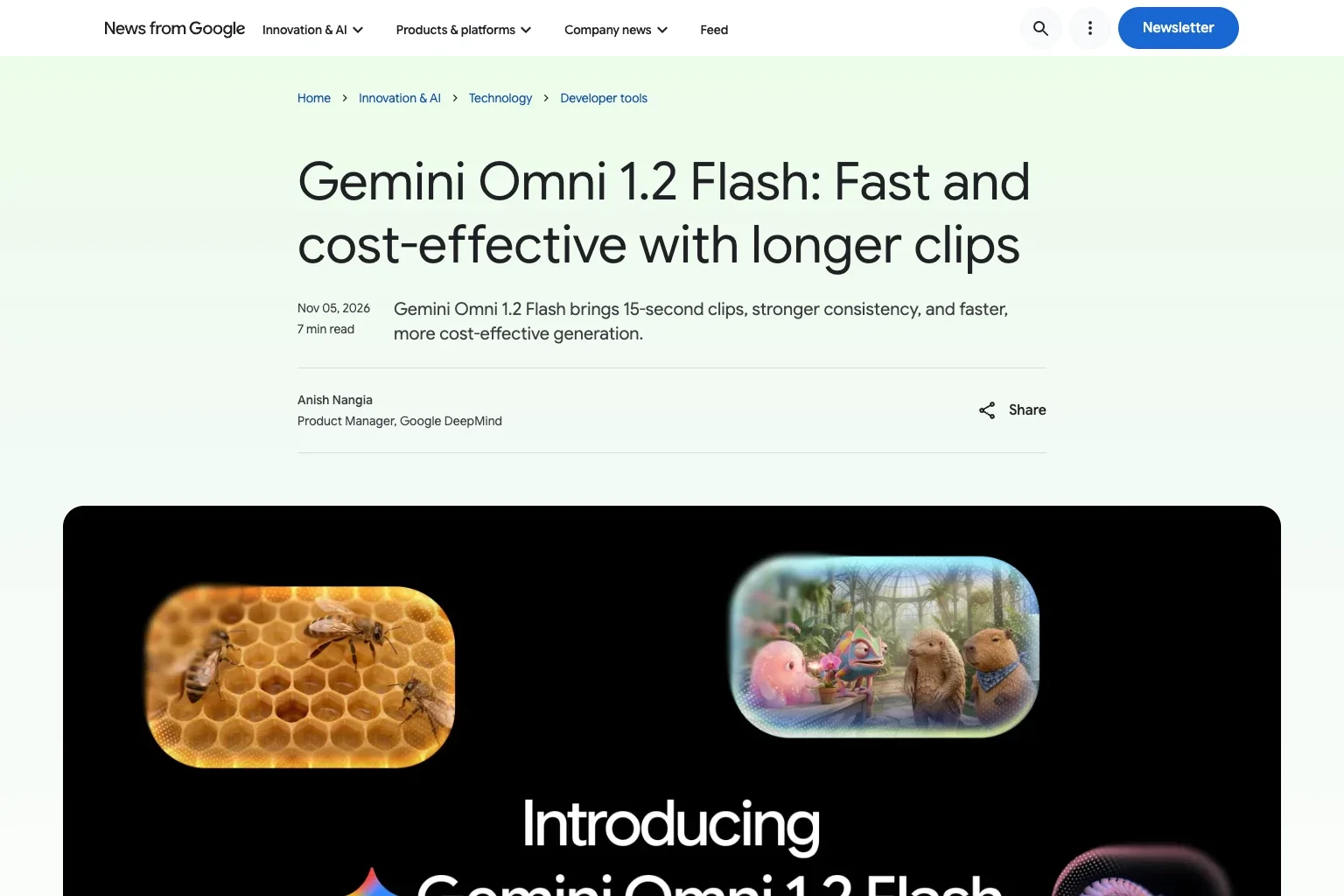
Gemini Omni 1.1 Flash Switches to 1.2 Automatically on December 3 - Video Output Price Goes From $17.50 to $12
On November 5, Google made the video model Gemini Omni 1.2 Flash generally available in the Gemini API. From December 3, requests to gemini-omni-1.1-flash are sent to 1.2 and billed at 1.2 rates. Video output falls from $17.50 to $12.00 per million tokens, while extended videos are capped at 30 seconds in total.
On November 5, 2026, Google made Gemini Omni 1.2 Flash (gemini-omni-1.2-flash), its model for creating and editing video, generally available in the Gemini API and Gemini for business1. The Gemini API changelog entry for the same day says that from December 3, requests addressed to gemini-omni-1.1-flash will be sent to 1.2 instead and charged at the 1.2 price2.
According to the guide, 1.1 keeps working as before for a four-week transition period, and the switch needs no change to your code4. The deprecations table also gives December 3 as the 1.1 shutdown date with 1.2 as the recommended replacement, and no shutdown date has been announced for 1.2 itself5.
On the consumer side, the model is also coming to Flow, Google Vids (where a Google account or a Google Workspace plan can produce 15-second clips at no extra charge), the Gemini app (gradually reaching Google AI Ultra subscribers), and Google Ads1.
Video output drops from $17.50 to $12.00
Here is the paid tier from the pricing page (Standard, per million tokens)3. Neither model is offered on the Gemini API free tier.
| Item | 1.2 Flash | 1.1 Flash |
|---|---|---|
| Input (text / image / video) | $1.50 | $1.50 |
| Output (text) | $9.00 | $9.00 |
| Output (video) | $12.00 | $17.50 |
Video output is counted as 5,792 tokens for each second of 720p. By the pricing page’s own conversion, 1.2 works out to about $0.07 a second (about $0.70 for 10 seconds and about $1.04 for 15), against roughly $0.10 a second for 1.1. For 1.2, the page lists $0.023 a second at 360p, $0.104 for upscaled 1080p, and $0.209 for 4K. Google itself describes the reduction as 30%1.
Apart from the rate, Google suggests a way of working that keeps spending down: make rough drafts at 360p or 720p, correct details with a follow-up edit rather than generating the clip again, and upscale only the keepers to 1080p or 4K1.
15-second clips, with extensions capped at 30 seconds in total
With 1.2, the length of a single video can be set anywhere between 3 and 15 seconds in one-second steps, compared with a 10-second ceiling on 1.11. If no length is given, the default is 10 seconds, and asking for more than 15 returns an error4.
Generation that fills in the frames between a specified opening and closing frame, and each individual extension, are limited to 3 to 10 seconds, and an extended video can reach 30 seconds in total4. For references, up to 6 images are accepted at any video length; as many as three reference videos work with 3- to 10-second outputs and 1 with 11- to 15-second outputs (each no longer than 3 seconds).
When 1.1 came out in August, Google said clips could be extended 10 seconds at a time to a cumulative 40 seconds6. The documentation does not say how extension requests addressed to 1.1 will be handled after December 3, so if your pipeline extends videos beyond 30 seconds, testing it on 1.2 before then appears to be the safer course.
Limits to check before building on it
From the limitations listed in the guide, these are the ones that affect integrations4:
- Users in the EEA, Switzerland, or the UK cannot edit or extend videos they upload (the model’s own output can still be edited and extended there)
- The model does not accept system instructions,
temperature,top_p, stop sequences, or negative prompts; anything to avoid should be written into the ordinary prompt - Only English is fully supported; Google has not evaluated other languages, so output in them may be inconsistent
- Every generated video carries a SynthID watermark
Google also names quick sporting movement, sudden changes to the script, and complicated physical behavior as areas it is still improving1.
From the June preview to 1.2
Gemini Omni Flash first appeared as a preview, gemini-omni-flash-preview, on June 30 (our article at the time), and 1.1 followed on August 27 as the generally available version2. The preview was shut down on October 225.
Elsewhere in the Gemini API, gemini-2.5-pro and gemini-2.5-flash will also be redirected to other models on December 1 (our November 4 article). In both cases, if the model name is left as it is when the date arrives, requests go somewhere else. For Omni, the destination is the next version in the same line, and the video output price goes down. Because some specifications, such as extension length, change, running your own workload with gemini-omni-1.2-flash before the date, rather than waiting because the price is lower, seems the easier way to understand what the switch will do.
Sources
- Gemini Omni 1.2 Flash: Fast and cost-effective with longer clips - Google official blog (November 5, 2026)
- Release notes - Google AI for Developers (entries for November 5, November 2, August 27, and June 30, 2026)
- Gemini Developer API pricing - Google AI for Developers (checked November 6, 2026)
- Generate and edit videos with Gemini Omni Flash - Google AI for Developers (checked November 6, 2026)
- Gemini deprecations - Google AI for Developers (checked November 6, 2026)
- Gemini Omni 1.1 Flash lets you build with more control - Google official blog (August 27, 2026)
Was this article helpful?
Thank you!
Received. Thank you!