GitHub Copilot Comes to Slack and Microsoft Teams: Shared Agent Sessions, Different Plans and Billing
GitHub shipped Copilot integrations for Slack and Microsoft Teams on August 21, 2026, both in public preview. Mentioning @GitHub starts a cloud agent session anyone in the conversation can steer — but eligibility, billing, and approval identities differ between the two.
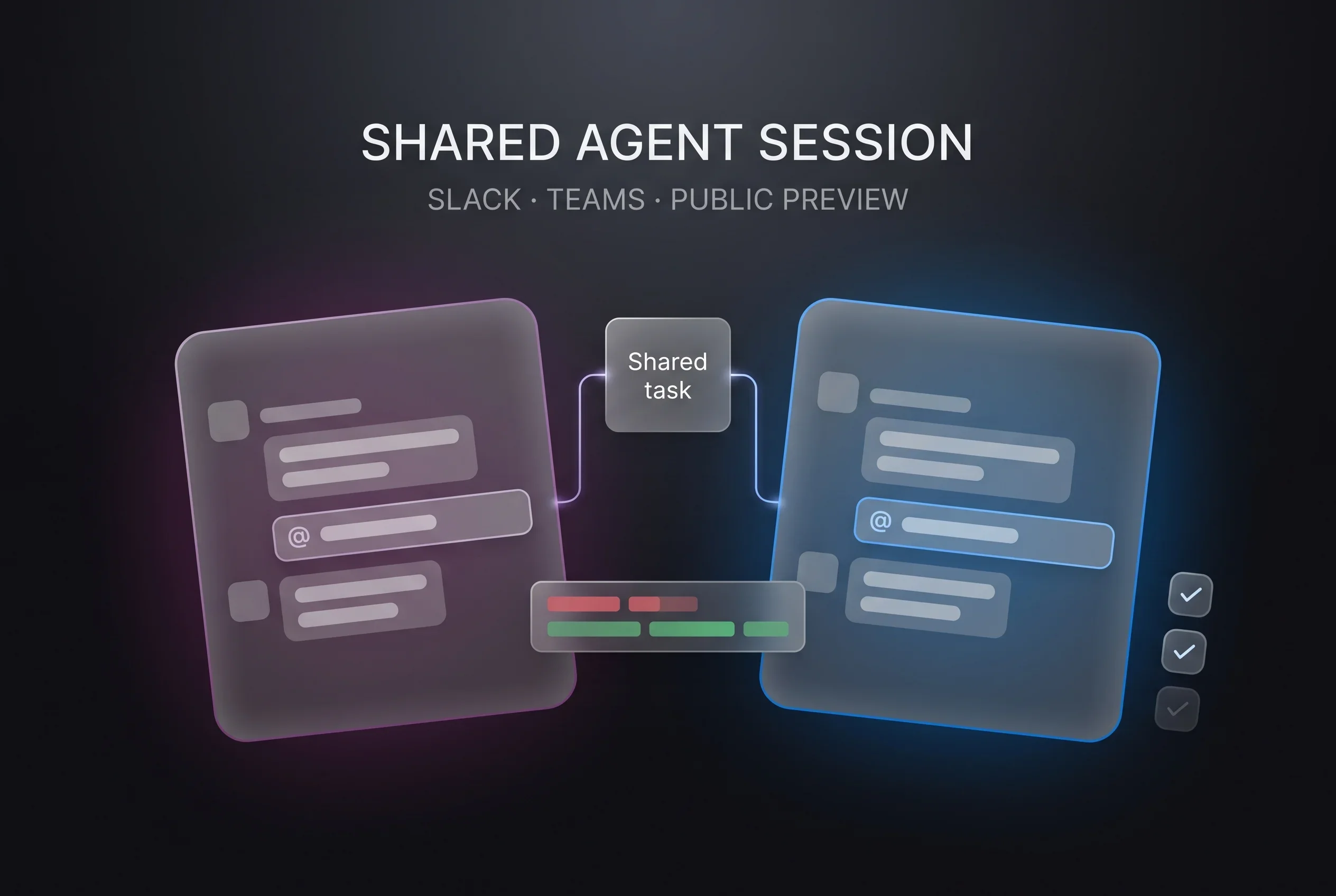
On August 21, 2026, GitHub shipped two things on the same day: a Slack integration and a Microsoft Teams integration for GitHub Copilot, both as public previews12. In either one, mentioning @GitHub in chat starts an agent session that everyone in the conversation can watch and redirect.
The day before, Salesforce and Slack had launched Slack Code, with dedicated “code channels” for coding agents, and GitHub was listed among its launch partners1. This release comes from the other side — the agent vendor — and answers the question the launch left open: which plan do you need, and what does it cost?
Typing @GitHub starts a session
On the Slack side, the GitHub integration now brings the agentic capabilities of GitHub Copilot CLI and the GitHub Copilot app into Slack1. Mention @GitHub in a direct message, a channel, or a thread, and an agent session begins1.
Using the conversation and permitted GitHub context, Copilot can do four things1:
- Answer questions about your code and GitHub activity
- Triage bug reports, update existing issues, or create and label new ones
- Investigate failures, implement changes, and validate its work in a secure cloud sandbox
- Open a pull request and provide a link to the conversation for review
Copilot keeps working asynchronously while you are in a meeting, commuting, or focused elsewhere1. You can direct the session from Slack while it runs, then continue from the pull request in your terminal, the GitHub Copilot app, or your IDE1.
Teams works much the same way: mention @GitHub in a channel, thread, or DM to start a Copilot cloud agent session2. The example GitHub gives is asking Copilot to investigate a problem while you are still discussing it in standup, and having it start resolving the issue2. When a meeting produces an action item, you hand it over during the discussion or before it ends2.
Designed so the work is not hidden in one person’s window
The recurring idea across both integrations is that agent work should not be confined to a single screen.
In Slack, agent sessions are shared, so a team can collaborate where the request began instead of one person working privately with an agent1. GitHub adds that working in the open makes effective agent workflows easier to learn — developers can see how teammates prompt the agent and learn from each other1.
The Teams changelog draws the permission line more explicitly. Anyone in the conversation can ask questions, add context, and help plan or steer the work, but only participants with write access to the repository can trigger Copilot to make changes2.
In both cases Copilot can create a dedicated code channel. On the Slack side, the point is to keep the task focused without adding noise to the original conversation; inside the channel, the team follows the plan, inspects diffs, reviews output previews like HTML artifacts, and iterates with Copilot1. Anyone can join from the original thread to add context, redirect the approach, or stop the session1. Teams likewise creates a dedicated code channel where everyone can monitor progress and add context2.
Note that in Slack, the code channel is Slack Code’s mechanism, with GitHub riding on it as a launch partner1. The Teams changelog makes no mention of Slack Code; it says only that Copilot creates a dedicated code channel2. Slack Code itself is designed so that anyone in the channel can pause, redirect, or stop the agent, and at launch the participating agents include Anthropic’s Claude, Cognition’s Devin, ChatGPT, and Vercel’s agent alongside GitHub’s Copilot3.
Eligibility and billing are not the same across the two
This is the part to check first. The two integrations shipped on the same day describe availability and billing differently.
| Slack integration1 | Microsoft Teams integration2 | |
|---|---|---|
| Status | Public preview | Public preview |
| Who gets it | Organizations on GitHub Copilot Business / GitHub Copilot Enterprise | Paid GitHub Copilot plans |
| What it consumes | Existing Copilot entitlements | AI credits |
| Budget control | Existing Copilot cloud agent budgets | Usage-based billing budgets for organizations |
| Sandbox | (not stated) | Billed separately; product-level or SKU-level budget |
Slack’s version says usage counts against your existing Copilot entitlements and can be managed with existing Copilot cloud agent budgets1. Teams’ version states that cloud agent sessions started in Microsoft Teams consume AI credits, and that cloud sandbox usage is billed separately2. Assuming both work the same way will change your cost estimate.
Admin prerequisites differ slightly too. For Slack, an administrator must have enabled the Copilot cloud agent policy for the organization1. For Teams, an administrator must have enabled both the cloud agent and cloud sandboxes — sandbox policies share the same configuration as cloud agent policies2. In Teams public channels you configure a default repository if prompted, and direct messages don’t use a default repository2.
An extra approval, but only for Copilot-attributed PRs
For getting agent-written changes merged, both integrations offer the same control: repository administrators can require an additional approval before merge, for pull requests attributed to a specific identity.
On the Slack side that identity is the Copilot app identity1; on the Teams side it is the Microsoft Teams Copilot integration identity2. Because the identities differ, setting one does not imply coverage of the other.
The Teams changelog spells out the arithmetic: if a repository requires two approvals, enabling this means Copilot-created pull requests need three2. GitHub frames it as moving fast without losing compliance oversight2.
Slack’s changelog also notes that issues and pull requests created from a conversation are attributed to the Copilot app identity, and that actions remain bounded by existing GitHub permissions and controls1. The agent does not bring its own permission system; it operates inside the repository permissions you already have.
The control surface for agents is drifting into chat
Line up the week’s releases and the direction is clear. On August 19, Cursor added event subscriptions to its cloud agents so they watch PRs and Slack threads and wake themselves up. On August 20, Slack created the place to put that work. On August 21, GitHub moved into it — and into Teams at the same time.
The more capable agents become at starting themselves, the more weight falls on where humans watch and where they stop the work. That both of GitHub’s changelogs spend as much space on plans, billing, and extra approvals as on features looks like a reflection of that.
GitHub has also been building out what happens after the output piles up. On August 19 it made a Trends tab for tracking organization-wide code quality generally available, a tool for seeing whether unaddressed findings are growing or shrinking across an org. Individual tasks get followed in chat; the aggregate shows up on a dashboard.
Whether an agent can carry a long task to completion, though, is not settled by tidying up where the work is displayed. A separate research report covered today — NVIDIA’s AVO result on ARC-AGI-3 — argues that the machinery outside the model, namely what carries forward and who notices stagnation, is what determines long-horizon outcomes. Chat integrations address one part of that: the path by which humans intervene.
If you are weighing a rollout, the decisions are narrow. Which integration to open first (the eligible plans differ), who absorbs AI credit and sandbox costs, and whether to require an extra approval on Copilot-attributed pull requests. All three can be settled from what the changelogs say. Neither changelog says anything about availability or timing in specific regions.
Sources
- The new GitHub Copilot experience in Slack - GitHub Changelog (August 21, 2026)
- Shared agentic work with GitHub Copilot in Microsoft Teams - GitHub Changelog (August 21, 2026)
- Introducing Slack Code: Agentic Coding for Teams - Salesforce official announcement (August 20, 2026)
Was this article helpful?
Thank you!
Received. Thank you!