Agent Plugins 1.0 Is Now GA in GitHub Copilot: One Package for Skills and MCP Servers
GitHub made Agent Plugins 1.0 generally available on August 12 across VS Code, Copilot CLI, the Copilot SDK, and the Copilot app. The spec, published August 6 and initiated by Vercel, bundles Agent Skills with MCP servers — but the spec also states that vendor-namespace directories carry no portable semantics.
GitHub announced in its August 12, 2026 changelog that support for Agent Plugins 1.0 is now generally available 1. As the company puts it, you can now build a plugin once and use it across all compatible agent clients 1. Support covers VS Code, Copilot CLI, the GitHub Copilot SDK, and the GitHub Copilot app, on all Copilot plans 1.
The specification itself landed six days earlier. GitHub says it published Agent Plugins 1.0 on August 6 with AWS, Anysphere, Microsoft, OpenAI, and Vercel, and that Google also joined as a core maintainer the same day 1.
A plugin is a container for skills plus MCP servers
Agent Plugins is positioned as an open, vendor-neutral standard for plugins that extend AI agents 2. The specification describes itself as the canonical Agent Plugins Specification v1.0.0 for packaging reusable components that extend AI agents into distributable plugins, with a status of published 3.
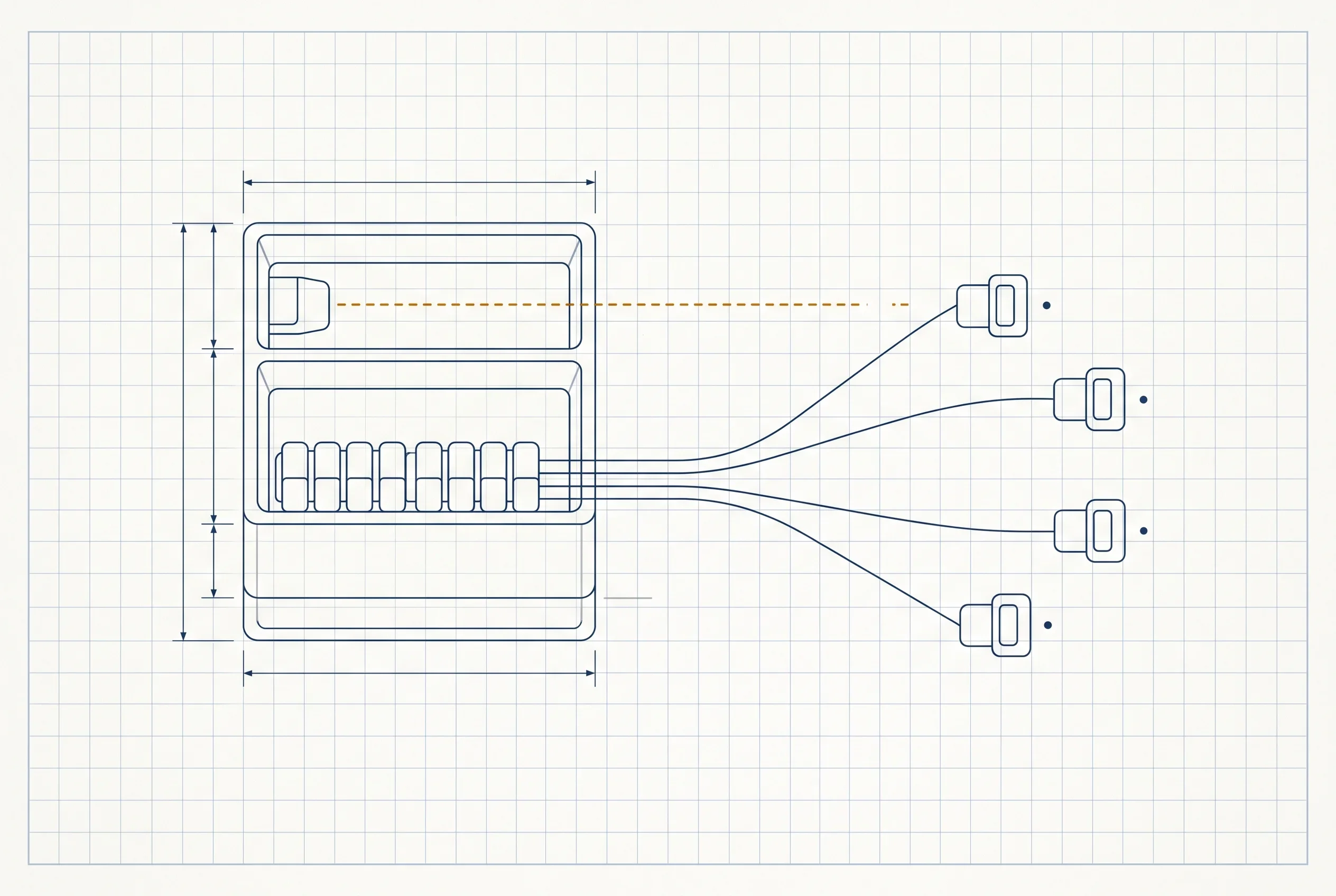
The layout is deliberately plain. A plugin.json manifest sits at the plugin root, skills live under skills/, and MCP server configuration goes in mcp.json 23. A vendor-namespace directory, a LICENSE, and a CHANGELOG.md round out the standard layout 3. Only two manifest fields are required: $schema, which must be the canonical identifier, and name, constrained to 1–64 characters of lowercase alphanumerics, hyphens, and periods, with no consecutive hyphens or periods 3.
For what this is actually for, GitHub points to combining the two pieces: a plugin can bundle a skill with an MCP server, such as a deployment runbook and its tool integration 1. Where MCP is the protocol that connects agents to external tools, Agent Plugins is the packaging format that puts that MCP server and the instructions an agent follows into a single distributable unit. It sits on top rather than replacing anything.
”Build once” has a boundary
Portability does not extend to the whole plugin, though. The specification states that client-specific files MUST be represented under a top-level directory named for that namespace, using reverse-domain identifiers 3 — a client controlling example.com would use com.example.client/. And the contents of that directory are defined by the client, carrying no portable semantics across implementations 3.
The same split shows up in GitHub’s migration steps. Bringing an existing GitHub Copilot plugin in line with the spec means adding $schema to plugin.json, keeping skills under skills/ and MCP configuration in mcp.json, and moving Copilot-specific files into the com.github.copilot/ directory 1. The shared part and the client-specific part are separated by design. “Build once, run in several clients” therefore describes the shared portion — client-specific work does not port along with it automatically.
Initiated by Vercel, governed jointly
On how it came about: Vercel initiated the proposal, and representatives from Amazon Web Services, Anysphere, GitHub, Microsoft, OpenAI, and Vercel refined it collaboratively, according to Vercel 2. The Core Maintainers listed are AWS, Cursor, Microsoft, OpenAI, and Vercel 2, and GitHub adds that Google joined as a core maintainer on the same day 1.
Governance is stated explicitly. Vercel says maintainers, the contribution process, and technical decisions are public, and that no single company’s product roadmap sets the format’s direction 2. The project is openly licensed 2.
The clients supported at launch are ChatGPT and Codex, Cursor, GitHub Copilot, Kiro, and VS Code 2. Competing vendors converging on one format follows the same shape as MCP’s major 2026-07-28 revision: the spec settles first, and implementations move toward it. What can be said here is limited to what the primary sources confirm — the status of tools not on that list is not known at this point.
Distribution and governance arrive together
For users, the entry point is the marketplace. GitHub says you can find plugins in the Awesome Copilot marketplace, available by default in VS Code, Copilot CLI, and the Copilot app 1.
Controls for organizations shipped alongside it. Copilot Business and Enterprise organizations manage plugins through managed-settings.json, using enabledPlugins to automatically install or block specific plugins and strictKnownMarketplaces to restrict installation 1. On August 6, GitHub used the same file to let organizations allow or deny which MCP servers Copilot may run. As a distribution channel opens, the means to narrow it lands in the same settings file.
If your organization maintains agent runbooks or MCP servers internally, this matters most while you have not settled on a single client. Instead of rebuilding the same content each time you switch, the shared portion can live in one package.
What is firmly established for now is only that GitHub has taken this GA across Copilot’s surfaces, and that six clients supported it as of August 6. Whether the format takes hold will likely depend on how much functionality each client keeps inside its vendor namespace. The specification and the plugin-author documentation are both public, and with only two required manifest fields, the format is small enough to try by wrapping a single existing skill 13.
Sources
- Agent Plugins 1.0 in VS Code, Copilot CLI, and the Copilot app - GitHub Changelog (August 12, 2026)
- Introducing Agent Plugins - Vercel official blog (August 6, 2026)
- Agent Plugins Specification v1.0.0 - The specification itself
Was this article helpful?
Thank you!
Received. Thank you!