iOS 27 Public Beta: How to Try Apple's New Siri AI and What It Can Do
Apple released the iOS 27 public beta with Siri AI, its conversational assistant built on Apple Intelligence. Requirements (iPhone 15 Pro or newer), how to enroll at beta.apple.com, key features, and what to watch out for.
Apple released the public betas of iOS 27, iPadOS 27, macOS 27 Golden Gate, and watchOS 27 on July 13, 202623. The headline feature is Siri AI, the conversational assistant announced at WWDC in June. Until now it was limited to developer betas; anyone with a supported device can now try it by enrolling at beta.apple.com2.
This is Siri’s shift from a voice-command system to a conversational AI in the vein of ChatGPT or Gemini - and for iPhone users, it marks the moment an AI assistant moves from “an app you open” to “something built into the OS.”
What Siri AI Can Do - Conversation, Personal Search, Onscreen Awareness
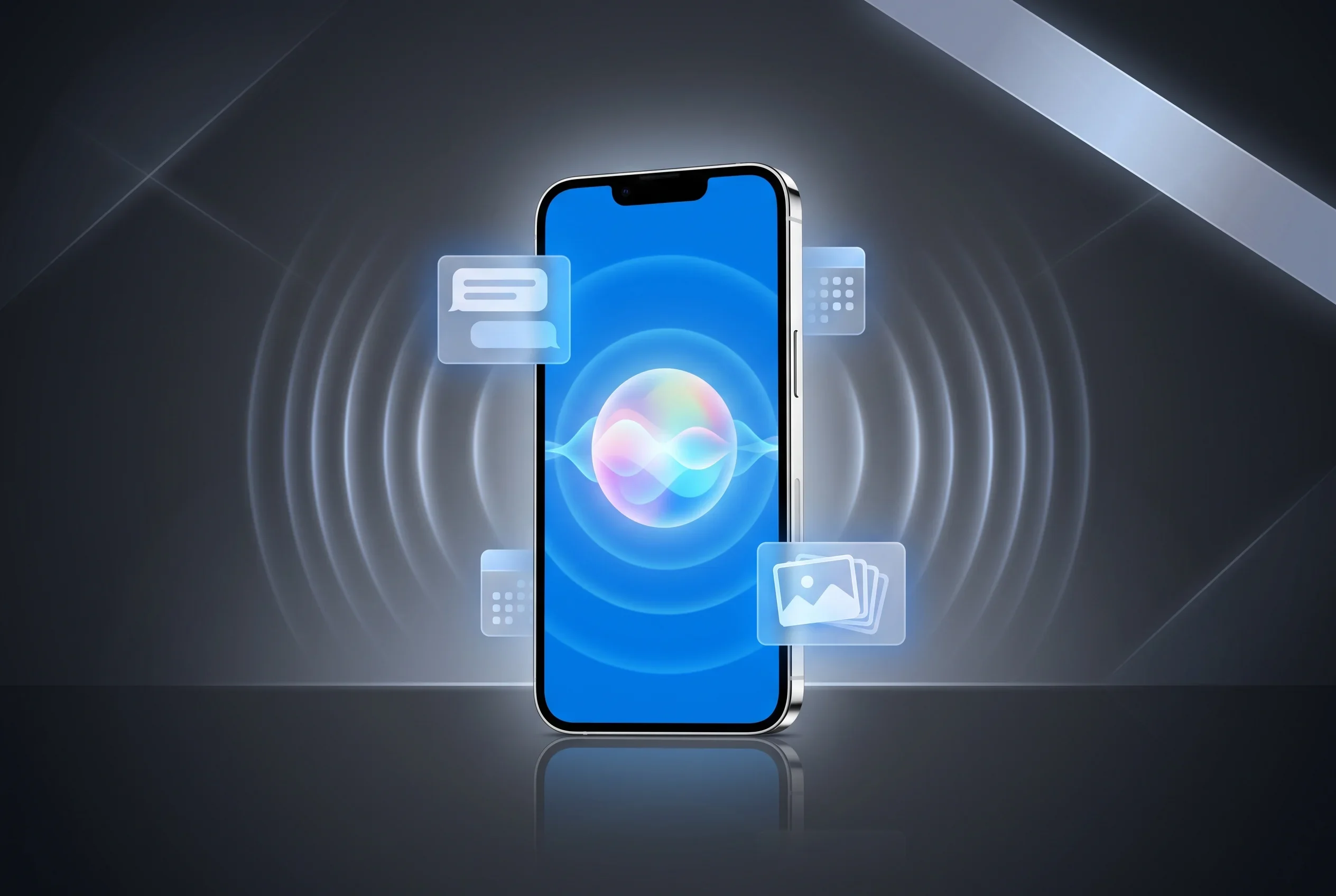
Siri AI is rebuilt on Apple Intelligence. It holds natural back-and-forth conversations, searches across personal information in your email, messages and photos, understands what’s on your screen, and takes actions across apps such as drafting emails or editing photos1. “With access to broad world knowledge for up-to-date answers on virtually any topic, along with onscreen awareness and personal context understanding, Siri AI can help users take action across apps more naturally than ever,” said Craig Federighi, Apple’s senior vice president of Software Engineering1.
Concretely, it can access information from Mail, Messages, Notes, Reminders, and Calendar, and the Camera app gains a Visual Intelligence mode that understands images2. In early hands-on testing, it handled tasks like finding photos, summarizing texts, adding calendar appointments from messages, and retrieving nutritional information4.
The other notable change: Siri gets its first standalone app, with conversation history accessible across devices1 - a familiar shape for anyone used to chatbots.
Requirements and How to Join - Siri AI Needs iPhone 15 Pro or Newer
iOS 27 itself installs on iPhone 11 and later, plus iPhone SE (2nd generation and later), but Apple Intelligence features including Siri AI require iPhone 15 Pro or newer2.
To join the beta, enroll at beta.apple.com with your Apple Account, then go to Settings > General > Software Update > Beta Updates and select the iOS 27 Public Beta2. This year’s developer betas have reportedly been fairly stable, but it is still a beta: if your device must run flawlessly, wait for the official release4, expected in fall 202624.
Beyond Siri, the update carries real performance gains. By Apple’s numbers, apps launch up to 30% faster, new captures appear in Photos up to 70% faster, and nearby AirDrop transfers finish up to 80% faster23.
The Backstory - Siri’s Comeback Attempt
Apple pioneered voice assistants with Siri in 2011, but in the generative AI era it has looked increasingly outmatched by ChatGPT and Gemini. The voice AI race keeps accelerating - OpenAI’s full-duplex GPT-Live models listen while speaking and now power ChatGPT Voice.
Apple’s relationship with OpenAI is also strained: this month it sued OpenAI alleging trade secret theft, raising the stakes for building its own AI stack. Opening Siri AI to the public is the first large-scale test of that comeback.
Note that in the EU, Siri AI will not initially be available on iOS, iPadOS, or watchOS due to the Digital Markets Act (it is available on Mac and Vision Pro)1. Platform regulation shaping where AI features ship is a pattern we are likely to see again.
Should You Install It? - A Practical Take
If you have a supported iPhone (15 Pro or newer) and want to try the new Siri early, this is your first chance. But betas come with bugs - installing it on a device you rely on for work deserves caution. A realistic approach: test on a secondary device now, and put it on your daily phone when the final release lands in fall 2026.
From a business perspective, the bigger story is an OS-level AI that searches across personal data (email, messages, photos) reaching hundreds of millions of iPhones. If asking your device directly replaces opening a chat app to ask an AI, the dynamics of search, apps, and advertising all feel the effects. For the hardware side of on-device AI, see our Apple Silicon memory bandwidth comparison.
Sources
- Apple introduces Siri AI, a profoundly more capable and personal assistant - Apple Newsroom (official announcement, WWDC 2026)
- iOS 27 public beta is here with Siri AI, iPhone speed upgrades, and more - 9to5Mac
- Public betas for iOS 27, macOS 27 and more Apple platforms are now available - Engadget
- Apple opens its new Siri AI to everyone with the iOS 27 public beta - TechCrunch
Was this article helpful?
Thank you!
Received. Thank you!