What Is Jupyter Notebook? A Beginner's Guide for Data Science and ML
A beginner's guide to Jupyter Notebook, the interactive notebook for Python data science and machine learning: what it is, its key features, and how it compares with Google Colab.
Jupyter Notebook is widely used in the fields of machine learning and data science. Many of you may have encountered the term “Jupyter compatible” when trying to use Google Colab. This article provides a guide to Jupyter Notebook, from its history to the latest usage methods, explained clearly for beginners.
What is Jupyter Notebook?
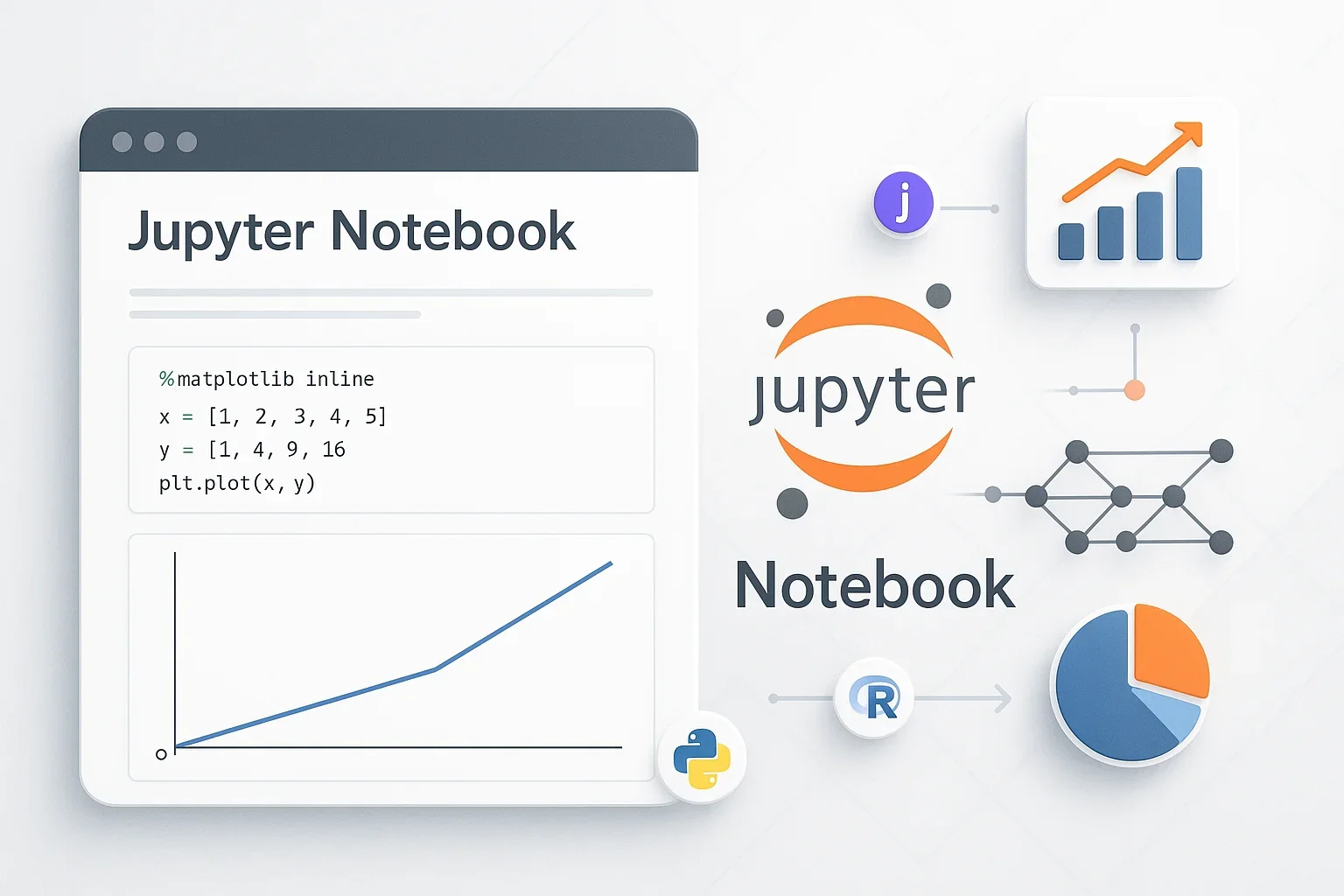
Jupyter Notebook is a web application that provides an interactive computing environment. Its major feature is the ability to integrate code, execution results, explanatory text, graphs, and mathematical formulas into a single document1.
In traditional programming environments, code was written in text editors, executed in separate consoles, and results were checked in yet another location. Jupyter Notebook is an innovative tool that allows all of these to be completed on a single screen.
Key Features
1. Cell-based Execution
- Write and execute code in small units (cells)
- Build programs through trial and error
- Fix and re-execute only the problematic parts when errors occur
2. Rich Output Formats
- Direct display of graphs, tables, images, and videos
- Interactive widgets available
- Visual confirmation of results on the spot
3. Multi-language Support
- Supports over 40 programming languages
- Covers major languages like Python, R, Julia, and Scala
- Switch languages using execution engines called kernels
History and Evolution
Beginning with IPython (2001~)
The history of Jupyter Notebook dates back to IPython, developed in 2001 by Fernando Pérez as a physics graduate student2. The Python interpreter at that time lacked functionality for scientific computing, creating a need for a more powerful interactive environment.
Birth of Notebook Feature (2011)
In 2011, a team consisting of Fernando Pérez, Brian Granger, and Min Ragan-Kelley added a web-based Notebook feature to IPython. This became the prototype for the current Jupyter Notebook.
Evolution to Project Jupyter (2014)
In 2014, it was announced that the language-agnostic parts would be separated from the IPython project and made independent as Project Jupyter3. The name “Jupyter” is a combination of the main supported languages Julia, Python, and R, and also pays homage to Galileo’s discovery of Jupiter’s moons recorded in his notebooks.
Rapid Adoption and Recognition (2015~Present)
- 2015: About 200,000 Jupyter notebooks published on GitHub
- 2018: Increased to about 2.5 million
- 2021: Reached about 10 million
- 2021: Selected by Nature as one of “10 computing projects that transformed science”
Comparison with Google Colab
Google Colaboratory (Colab) is a cloud-based service based on Jupyter Notebook. Understanding the differences between them helps in selecting the appropriate tool.
Major Differences
| Item | Jupyter Notebook | Google Colab |
|---|---|---|
| Execution Environment | Local (your PC) | Cloud (Google’s servers) |
| Setup | Installation and environment setup required | Immediately available with just a browser |
| Computing Resources | Depends on your PC specs | Free GPU/TPU available |
| Data Storage | Local storage | Google Drive |
| Collaboration | Basically individual use | Real-time collaborative editing possible |
| Internet | Works offline | Constant connection required |
| Customizability | High (extensions, settings) | Limited |
| Pricing | Completely free | Basic free (Pro version from $9.99/month) |
Usage Guidelines
When Jupyter Notebook is Suitable:
- Research and development handling confidential data
- Processing large datasets
- Need for custom environments or special libraries
- Working in offline environments
- Projects requiring complete control
When Google Colab is Suitable:
- Quick prototyping
- Deep learning experiments using GPU/TPU
- Team collaboration
- Educational and learning purposes
- Want to avoid environment setup hassle
Applications in Machine Learning and AI
1. Data Exploration and Preprocessing
Jupyter Notebook is ideal for Exploratory Data Analysis (EDA) in data science workflows.
# Loading data and checking basic statistics
import pandas as pd
import matplotlib.pyplot as plt

df = pd.read_csv('data.csv')
df.describe()  # Display basic statistics immediately
df.plot()      # Display graphs inline
2. Model Development and Experimentation
In machine learning model development, you can interactively adjust parameters and compare methods.
# Comparing different models
from sklearn.model_selection import train_test_split
from sklearn.ensemble import RandomForestClassifier
from sklearn.svm import SVC

# Split data
X_train, X_test, y_train, y_test = train_test_split(X, y)

# Model 1: Random Forest
rf_model = RandomForestClassifier()
rf_model.fit(X_train, y_train)
print(f"RF Accuracy: {rf_model.score(X_test, y_test)}")

# Model 2: SVM (immediate comparison in the same notebook)
svm_model = SVC()
svm_model.fit(X_train, y_train)
print(f"SVM Accuracy: {svm_model.score(X_test, y_test)}")
3. Result Visualization and Sharing
Another major advantage is the ability to share experimental results directly as documents.
# Visualizing learning curves
plt.figure(figsize=(10, 6))
plt.plot(training_scores, label='Training Accuracy')
plt.plot(validation_scores, label='Validation Accuracy')
plt.legend()
plt.title('Model Learning Progress')
4. Educational and Research Applications
Many universities and companies use Jupyter Notebook for the following purposes:
- Lecture Materials: Creating teaching materials that integrate code and explanations
- Tutorials: Step-by-step learning content
- Research Notes: Electronic lab notebooks recording experimental procedures and results
- Reports: Creating technical reports including analysis results
Latest Developments in the Jupyter Ecosystem
JupyterLab: Next-Generation Interface
JupyterLab, which had its stable version released in 2018, is an integrated development environment that includes Notebook functionality.
Main Features:
- Multi-tab support
- File browser
- Terminal integration
- Extension system
- More flexible layout
JupyterHub: Multi-User Environment
Provides an environment where multiple users can use it simultaneously for organizations.
Use Cases:
- Simultaneous use in university classes
- Corporate analysis team environments
- Foundation for cloud service provision
Voilà: Dashboard Creation
A tool that converts Notebooks into web applications.
Application Scenarios:
- Interactive reports
- Data dashboards
- Machine learning model demos
Jupyter AI (2023~)
An extension released in August 2023 that integrates generative AI into Notebooks4.
Main Features:
- Code explanation and generation
- Error correction assistance
- Content summarization
- Notebook generation from natural language
Corporate Use Cases
Netflix
Adopted as the standard tool for data science workflows. Initially used for analysis, but now also utilized for general data access.
Microsoft
Provides Jupyter as a cloud service through Azure Notebook. Also advancing integration with VS Code, with the Jupyter extension downloaded over 40 million times as of July 2022.
Contributing to the education and research community by providing free Jupyter environment through Colab.
Other Major Companies
IBM, Amazon (SageMaker), many financial institutions, pharmaceutical companies, etc., have adopted it as their data analysis infrastructure.
Cloud services like Google Colab are based on Jupyter, and by using them appropriately according to purpose, more efficient development is possible. For those learning machine learning and data science, Jupyter Notebook has become a new document format that integrates thinking, code, and results, serving as a standard tool in scientific computing. It is expected to continue evolving into an easier-to-use and more powerful tool with further AI integration and cloud collaboration in the future.
Sources
- Project Jupyter | Home - Jupyter Official Site
- As Project Jupyter celebrates 20 years - UC Berkeley CDSS (Fernando Pérez Interview)
- Project Jupyter - Wikipedia - Wikipedia (Project History)
- Jupyter AI - Jupyter Official (About AI Features)
Was this article helpful?
Thank you!
Received. Thank you!