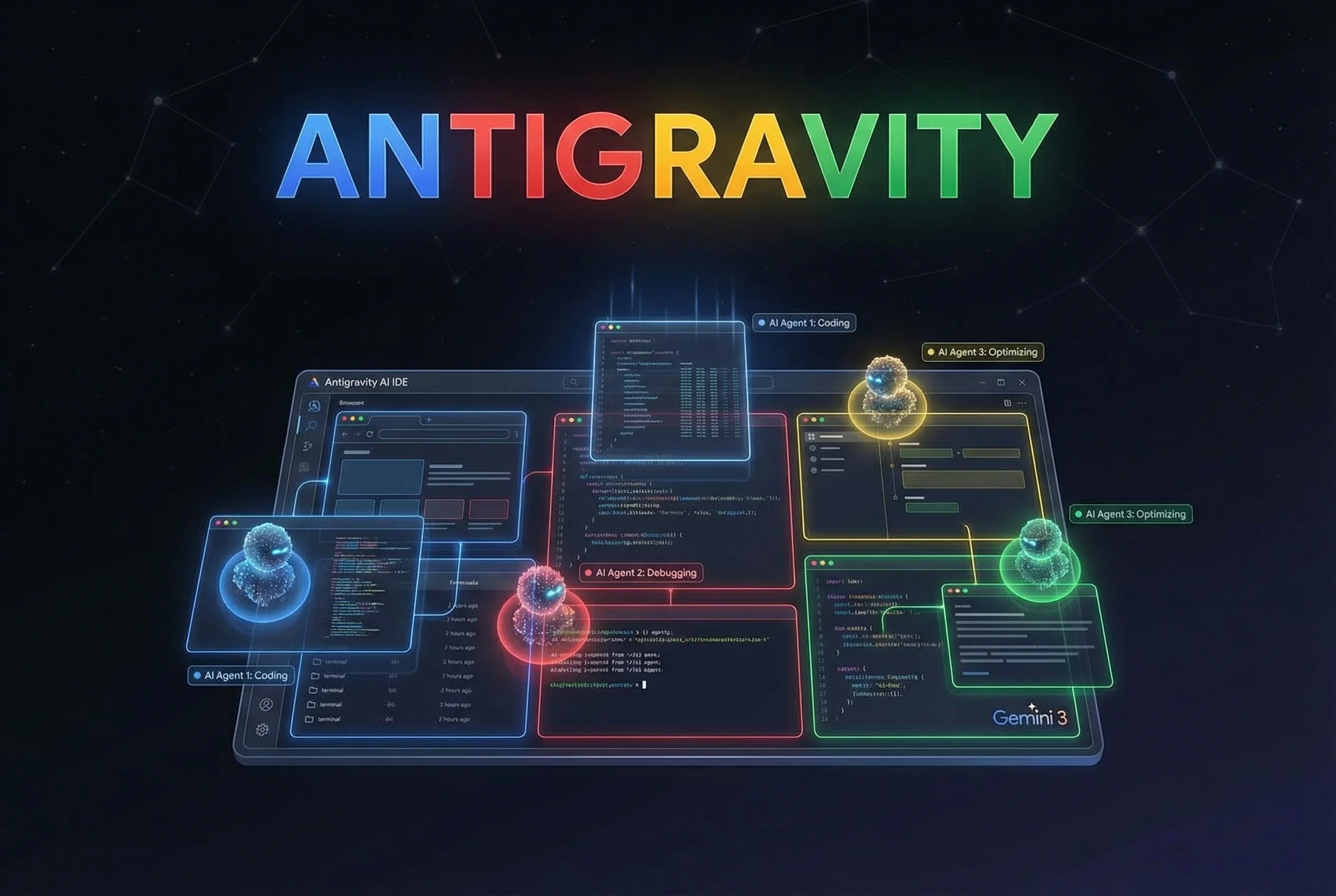
Google Antigravity: Google Launches Agent-First Development Platform
Google's AI development environment 'Antigravity' announced in November 2025 adopts an agent-first design where AI agents autonomously write code. Powered by Gemini 3 and free to use, here's how it compares to Cursor and Claude Code
Google Antigravity, a development platform announced by Google on November 18, 2025 (US time), is gaining attention in the developer community. According to the official blog, it was developed with the philosophy that “the tools of yesterday focused on helping you write code faster; the tools of tomorrow need to help you orchestrate it”1.
While traditional IDEs followed a structure where “humans write code and AI assists,” Antigravity adopts a design where “AI agents proactively write code while humans supervise and collaborate.”
Currently available as a free public preview, supporting Windows, macOS, and Linux. Anyone with a Google account can start using it immediately.
Agent-First: Antigravity’s Design Philosophy
The key characteristic of Google Antigravity is its “agent-first” design philosophy. The official site explains that “agents shouldn’t just be chatbots in a sidebar; they should have their own dedicated space to work”1.
Differences from Traditional IDEs
Traditional AI coding tools like Copilot and Cursor were fundamentally “human-centric” with AI providing support. Developers write code, and AI complements and suggests.
In contrast, Antigravity has AI agents handle everything from planning to execution. Users simply give high-level instructions like “build X,” and the agent autonomously breaks down tasks, creates execution plans, and proceeds with coding.
Core Technology: Gemini 3
At the heart of Antigravity is Google’s cutting-edge AI model “Gemini 3.” This model can handle long-running continuous tasks, allowing agents to operate autonomously without users providing step-by-step instructions.
Key Features of Antigravity
1. Cross-Surface Control
Antigravity’s agents can control three surfaces: editor, terminal, and browser.
Example workflow:
- Generate components in the editor
- Execute build commands in the terminal
- Automatically verify in the browser
- Suggest fixes if issues are found
In traditional IDEs, these were treated as separate domains, but Antigravity allows agents to naturally execute operations across these boundaries.
2. Browser Control
By installing the dedicated Chrome extension “Antigravity Browser Extension,” agents can directly operate web browsers from within the IDE. This enables online environment verification, web app testing, and visual UI confirmation with automatic fixes.
For frontend development, agents automatically handle the entire workflow of writing code, checking in the browser, and fixing issues.
3. Two Interfaces
According to the official blog, Antigravity has two operating modes1:
Editor View
Can be used as an AI-powered editor with tab completions and inline commands, similar to traditional IDEs.
Manager Surface
A dedicated interface for spawning, managing, and observing multiple agents working asynchronously across different workspaces.
4. Verification Through Artifacts
The official blog states that “delegating work to an agent requires trust, but scrolling through raw tool calls is tedious.” Antigravity solves this by having agents generate Artifacts1.
Artifacts include:
- Task lists
- Implementation plans
- Screenshots
- Browser recordings
Users can review agent work through Artifacts and leave feedback directly, similar to commenting on a document.
5. Multiple AI Model Selection
According to the official announcement, Antigravity supports the following models1:
- Gemini 3 Pro: Google’s latest model (with generous rate limits)
- Claude Sonnet 4.5: By Anthropic
- GPT-OSS: By OpenAI
Users can select the optimal model based on their use case and preferences.
Comparison with Cursor and Claude Code (as of November 2025)
Google Antigravity competes with other AI IDEs like Cursor and Claude Code, and at launch it differentiated itself in the following ways:
| Feature | Antigravity | Cursor | Claude Code |
|---|---|---|---|
| Design Philosophy | Agent-led | Human-led + AI assist | Human-led + AI assist |
| Multiple Agent Parallel Execution | ○ | × | × |
| Browser Integration | ○ | × | × |
| Pricing | Free (Preview) | $20+/month | API usage-based |
Multiple agent parallel execution and browser integration were Antigravity’s distinctive features at launch.
Update (August 2, 2026): This comparison reflects November 2025. Since then, Cursor has shipped Cloud Agents running in cloud VMs, where you “can run as many agents as you want in parallel,” and Claude Code supports parallel execution through sub-agents and background agents as well as Chrome integration. The × marks for parallel execution and browser integration above no longer describe the current state.
Pricing
Currently, the individual plan is completely free (as of November 2025).
- Generous rate limits, effectively unlimited usage
- Start immediately with a Google account
- Paid plans may be added in the future
Compared to Copilot ($10/month) and Cursor ($20+/month), the ability to use multiple models for free is a notable feature.
Installation and Usage
System Requirements
- Windows, macOS, or Linux
- Google account
Installation Steps
- Download the installer for your OS from the official download page
- During installation, choose to import settings from VS Code or Cursor, or start fresh
- Authenticate with your Google account
- Optionally install the Chrome extension “Antigravity Browser Extension”
The UI is similar to Cursor, so developers familiar with Cursor can start using it without difficulty.
Hands-On Experience
When giving an instruction like “Create an LP for an orthopedic clinic,” the agent first creates a Task, then develops a Plan. Users can monitor the agent’s progress while checking the Task and Plan.
Image generation is also automated, producing a high-quality LP in one shot. While fine-tuning is needed, significant cost savings compared to building from scratch can be expected.
Future Outlook
The official blog states that Google wants “Antigravity to be your home base for the era of agents”1. It treats learning as a core primitive, allowing agents to save useful context and code snippets to a knowledge base to improve future tasks.
Currently in public preview, as competition intensifies with products like Cursor and Claude Code, developers now have more options to choose from.
Sources
- Build with Google Antigravity, our new agentic development platform - Google Developers Blog (Official Announcement)
- Google Antigravity Official Site - Google (Official Site)
- What is Google Antigravity? Complete Guide to Features and Usage - TechGym (Feature Details)
- Google Antigravity Explained: Hands-on with the Agent-First IDE - WEEL (Hands-on Review)
Was this article helpful?
Thank you!
Received. Thank you!