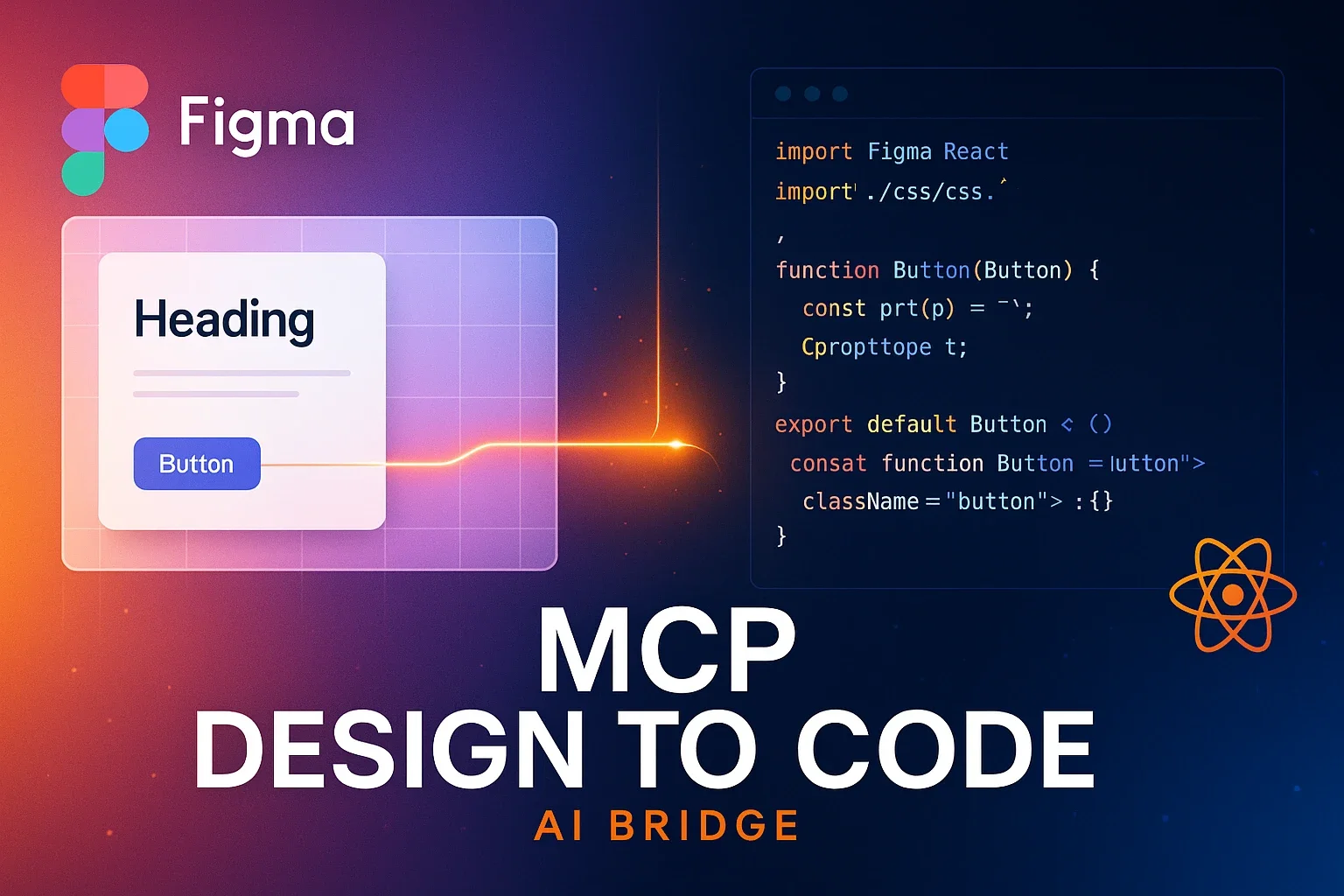
Figma Context MCP: A New Bridge for AI Coding Tools to Understand Design Data
Figma Context MCP, developed by Graham Lipsman, is an open-source project that enables AI tools like Cursor and Claude to directly access Figma design data for more accurate code generation. Learn about the innovation in design-to-development workflow through MCP
Figma Context MCP: A New Bridge for AI Coding Tools to Understand Design Data
The Invisible Wall Between Design and Code
As of June 2025, AI-powered code generation has become a daily tool for developers. However, significant challenges remained in converting design files to code. While AI code generation based on screenshots could reproduce the superficial appearance of designs, it struggled to accurately understand layout structures, component relationships, and detailed style information.
Developer Graham Lipsman has provided an innovative solution to this challenge: “Figma Context MCP”1. This open-source project enables AI coding tools to directly access Figma design data, dramatically improving the accuracy of design-to-code conversion.
The Background of Model Context Protocol (MCP)
To understand Figma Context MCP, we first need to understand the Model Context Protocol (MCP) announced by Anthropic in 20252. MCP is a new open standard for securely connecting AI assistants with data sources.
The main features of MCP include:
Standardized Architecture: Provides a client-server architecture that seamlessly connects LLMs with external tools and data sources. This allows developers to access various data sources through a unified interface.
Bidirectional Communication: AI models can not only receive information but also trigger actions in external systems. This enables the creation of more dynamic and interactive applications.
Primitive Definitions: Defines basic message types such as prompts, resources, and tools to manage interactions.
Anthropic provides pre-built MCP servers for popular enterprise systems including Google Drive, Slack, GitHub, Postgres, and Puppeteer, creating an environment where developers can start using them immediately.
The Innovation of Figma Context MCP
Figma Context MCP is a dedicated server that leverages the MCP mechanism to provide Figma design data to AI tools. This project has gained over 5,100 stars on GitHub, demonstrating high community interest1.
Key Features and Characteristics
1. Simplification and Translation of Design Data
The most important feature of Figma Context MCP is its ability to simplify complex responses from the Figma API and convert them into a format that AI models can easily understand. This reduces unnecessary context and makes AI responses more accurate and relevant.
2. Comprehensive Design Information Provision
It provides AI with information that cannot be conveyed through screenshots alone:
- Element hierarchy structure
- Detailed style properties
- Relationships between components
- Layout constraints and sizing information
- Design tokens such as colors, fonts, and spacing
3. Multi-Platform Support
Works on all major platforms - macOS, Linux, and Windows - without being limited to any specific development environment.
4. Type-Safe Implementation with TypeScript
Written 97.7% in TypeScript, providing a robust and maintainable codebase.
Technical Implementation Details
Figma Context MCP has the following technical features:
Custom URI Scheme: Supports custom URI schemes to make managing access to Figma resources easier.
Error Handling and Validation: Ensures reliable operation through robust error handling and request validation.
Batch Operation Support: Supports batch operations for efficient processing of design elements.
実際の使用方法とワークフロー
セットアップ手順
-
Figma APIトークンの取得
- Figmaアカウントの設定画面でAPIアクセストークンを生成
- トークンに分かりやすい名前(例:Figma_MCP)を付けて管理
-
サーバーの起動
npx figma-developer-mcp --figma-api-key=<your-figma-api-key> -
AIツールの設定 Claude DesktopやCursorなどの設定ファイルに以下を追加:
{
  "mcpServers": {
    "Framelink Figma MCP": {
      "command": "npx",
      "args": ["-y", "figma-developer-mcp", "--figma-api-key=YOUR-KEY", "--stdio"]
    }
  }
}
Actual Usage Flow
- Select the target frame or component in Figma
- Right-click and select “Copy link to selection”
- Open the IDE chat (e.g., Cursor’s agent mode)
- Paste the Figma link and request implementation
- AI retrieves metadata from Figma and generates code
Developers report that “When Cursor can access design data, its ability to accurately implement designs in one shot is significantly improved compared to the alternative approach of pasting screenshots”3.
Practical Use Cases
1. Automatic Design-to-Code Conversion
The most common use case is automatically generating code for frameworks like React, Vue, Flutter, and SwiftUI from Figma designs. For example:
@https://www.figma.com/design/[design-ID]
Please recreate this interface with React + Tailwind.
Automatically download images and icons, and reproduce the structure and styles as accurately as possible.
2. Product Management Automation
An interesting application includes reports of automatically generating Jira epics and user stories from Figma designs4. There are cases where complex Figma designs were converted into 6 epics and 20 user stories in just 10 minutes.
3. Ensuring Design System Consistency
By having AI understand design system information including design tokens and component naming conventions, generated code follows project conventions.
4. Multi-Framework Support
Since code for different frameworks (React, Vue, Flutter, etc.) can be generated from the same Figma design, cross-platform development efficiency is significantly improved.
Impact and Potential for Development Teams in Japan
The emergence of Figma Context MCP has the potential to significantly impact development teams in Japan:
1. Enhanced Collaboration Between Designers and Developers
Traditionally, accurately conveying design intent to developers has been challenging. By using Figma Context MCP, even subtle design nuances can be reflected in code, significantly reducing communication costs between both parties.
2. Improved Development Speed
For many Japanese companies facing development resource shortages, automatic code generation by AI provides an effective solution. Teams that previously spent significant time on UI implementation can expect substantial productivity improvements.
3. Quality Standardization
Implementation variations that were unavoidable with manual coding are standardized through AI-powered automatic generation. This enables maintaining a consistent codebase even in large-scale projects.
Future Prospects and Challenges
Potential Technical Developments
The MCP ecosystem is growing rapidly, with the following developments expected:
1. Multi-Agent Architecture: Multiple AI agents collaborating to process more complex tasks
2. Enhanced Authentication and Authorization: Improved security features for enterprise environment usage
3. Server Discovery Function: Mechanisms to automatically discover and connect to available MCP servers
Current Limitations
1. Beta Version Constraints: Usage with Claude Desktop is currently provided as a beta feature, which may have stability issues.
2. API Token Management: For security reasons, proper API token management is necessary. Avoid hardcoding tokens in the codebase and manage them as environment variables.
3. Read-Only Restrictions: Currently, many Figma MCP servers are limited to read-only access.
The future where design-to-code conversion happens seamlessly through “AI’s USB-C port” is already within reach.
Sources
- GitHub - GLips/Figma-Context-MCP - Official GitHub repository for Figma Context MCP
- Introducing the Model Context Protocol - Anthropic official announcement (MCP details)
- Figma Now Has a MCP Server and Here’s How to Use It - Detailed guide on using Figma MCP
- MCP for PMs: How To Automate Figma → Jira - Product management use case
Was this article helpful?
Thank you!
Received. Thank you!