Windsurf Wave 10: Planning Mode Enables Long-term Task Management
Planning Mode introduced in Windsurf Wave 10 is a new feature enabling long-term task management with AI. Cascade visualizes execution plans and provides them in user-editable format
On June 10, 2025, Windsurf announced “Planning Mode” (beta version) as the first installment of the Wave 10 update1. This new feature has the potential to fundamentally change how we collaborate with AI assistant Cascade.
While previous AI coding tools excelled at short-term code generation, they had limitations in long-term project management and executing complex tasks. Planning Mode provides an innovative solution to this challenge.
Challenges Solved by Planning Mode
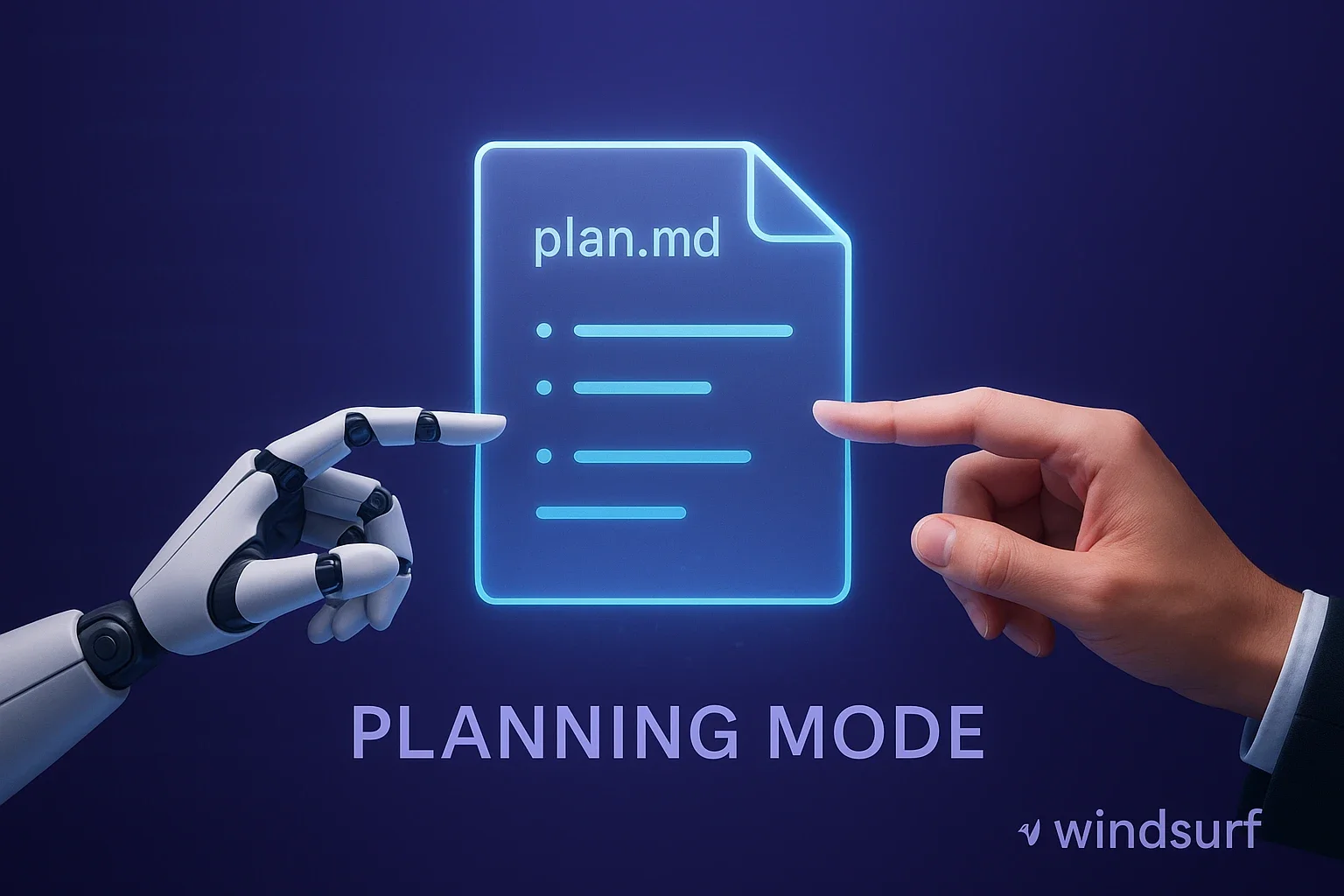
The core of Planning Mode is that Cascade generates a persistent planning file called “plan.md” and acts based on it1. This approach evolves AI from a mere code generation tool to a development partner capable of overseeing entire projects.
Traditional AI tools were good at processing individual tasks but had difficulty maintaining relationships between tasks and long-term goals. Developers frequently needed to re-explain context to AI, leading to decreased productivity. Planning Mode solves this problem through the planning file format.
Key Features of Planning Mode
1. Persistent Planning File Generation
When Planning Mode is enabled, Cascade automatically generates a local markdown file (plan.md). This file records project goals, planned tasks, progress status, and more. Developers can directly edit this file like any regular document.
The planning file is not just a text file. Cascade continuously references this file and uses it as a guide for its actions. This allows AI to maintain consistency while working on complex tasks over extended periods.
2. Bidirectional Editing Capability
The greatest feature of the plan.md file is that both users and AI can edit it1. When developers modify the plan, Cascade recognizes the changes and adjusts its actions based on the new plan. Conversely, when new information emerges as the project progresses, Cascade automatically updates the plan and notifies the user.
This bidirectionality enables true collaboration between humans and AI. Developers can focus on high-level strategic decisions while Cascade handles detailed implementation work, creating an ideal division of roles.
3. Separation of Long-term Thinking and Short-term Execution
In Planning Mode, a more powerful model handles long-term reasoning in the background, while the user-selected model focuses on executing short-term tasks based on the plan2. This role division efficiently utilizes computational resources while achieving more intelligent and adaptive workflows.
The model responsible for long-term reasoning understands the overall project context and formulates appropriate strategies. Meanwhile, the model responsible for short-term execution focuses on actual work like generating specific code and editing files. This separation allows each model to perform optimally in their areas of expertise.
Practical Value for Developers
Improved Project Management Transparency
Planning Mode completely visualizes what plans AI is acting on. This allows developers to understand AI’s “thought processes” and make course corrections as needed. This transparency provides significant value, especially for large projects or complex refactoring work.
With traditional AI tools, it was difficult to understand what AI was thinking or why it took certain actions. Planning Mode documents all plans and decisions, allowing developers to always understand AI’s state.
Applicability to Team Development
Since the plan.md file is a regular markdown file, it can be managed with version control systems like Git. This enables teams to share and review AI plans collectively. During project handovers, new members can easily understand what strategies AI was using for development.
In team development, communication between members is key to success. Planning Mode treats AI as a team member and makes its thinking and actions transparent, enabling more effective collaboration.
Improved Cost Efficiency
Windsurf also announced that OpenAI’s o3 model usage fees have been significantly reduced1. o3 is now available at 1x credit for both medium and high reasoning, making Planning Mode benefits accessible to more developers.
This pricing revision makes daily use of advanced AI features economically realistic. This change is particularly meaningful for individual developers and small teams.
Technical Implementation Aspects
Planning Mode’s implementation is simple yet effective. Technically, it consists of a combination of two elements: Cascade conversations for short-term actions and planning files for long-term reasoning2.
This architecture allows AI to work on long-term tasks without losing context while enabling developers to intervene as needed. Additionally, since planning files are stored locally, they can be used safely from privacy and security perspectives.
The planning file format uses human-readable markdown. This allows developers to review and edit plans using their preferred text editor without special tools or interfaces.
Future Outlook and Challenges
Planning Mode is still in beta, with improvements expected in the future. Currently, there are limits to plan complexity, and very large projects may require managing multiple planning files.
Additionally, the quality of AI-generated plans heavily depends on the clarity of initial instructions. Developers need to clearly communicate project goals and constraints, which involves a certain learning curve.
In the future, more advanced planning capabilities, knowledge sharing between multiple projects, and features integrating team-wide plans may be added.
Impact on Japanese Development Environment
Japanese software development environments have a culture that values detailed specifications and planning documents. Planning Mode has the potential to naturally integrate this culture with AI coding.
Particularly for companies practicing agile development, utilizing Planning Mode for sprint planning and backlog management could significantly improve development efficiency. It can also reduce documentation burden while maintaining project transparency.
Planning Mode also fits Japanese development environments’ characteristic strict quality control processes. By incorporating planning files into review processes, comprehensive quality assurance including AI work becomes possible.
Planning Mode has the potential to become a new standard for AI coding tools. This feature enabling deeper collaboration between developers and AI gives us a glimpse into the future of software development. Wave 10 has two more days of announcements planned, and attention continues to focus on what innovations Windsurf will bring.
Sources
- Windsurf Wave 10 Changelog - Windsurf Official (Wave 10 new features announcement)
- Windsurf Wave 10 – Day 1: Planning Mode - Windsurf Official YouTube (Detailed explanation of Planning Mode)
Was this article helpful?
Thank you!
Received. Thank you!