Getting Started with n8n: No-Code AI Workflow Automation for Beginners
A beginner's guide to n8n, the no-code automation tool that connects 400+ services. How to add AI to automate text generation, image processing, and business workflows—starting for free.
With the evolution of AI, the possibilities for business automation have expanded dramatically. Among the tools gaining attention is “n8n (pronounced n-eight-n)”. n8n is an automation tool that allows you to build complex workflows without programming knowledge, and through AI integration, it enables advanced business processing that was previously unimaginable.
This article explains everything from the basic mechanisms of n8n to specific methods for leveraging AI-powered business automation, making it easy for beginners to understand.
What is n8n? An Open-Source Automation Platform
n8n is a workflow automation tool developed by Jan Oberhauser from Germany in 20191. Currently used by over 200,000 users worldwide, its distinctive feature lies in its hybrid approach combining “no-code” and “code” capabilities.
Key Features of n8n
n8n stands out from other automation tools due to the following characteristics:
1. Extensive Service Integration As of March 2025, n8n can integrate with over 1,031 external services2. Major business services like Slack, Gmail, Google Sheets, Notion, Twitter, GitHub, and Salesforce are comprehensively covered.
2. Open-Source and Free to Use n8n is published as an open-source project and can be used completely free when self-hosted. It’s also possible to operate in on-premises environments to match corporate security policies.
3. Intuitive Operation with Visual Editor You can create workflows simply by placing nodes (processing blocks) with drag-and-drop and connecting them with lines. The major appeal is the ability to visually construct business flows without programming knowledge.
4. High Customizability JavaScript code can be written as needed, enabling the implementation of complex processes that can’t be handled by standard features. This flexibility allows for everything from simple automation to advanced processing.
Expanding Possibilities Through AI Integration
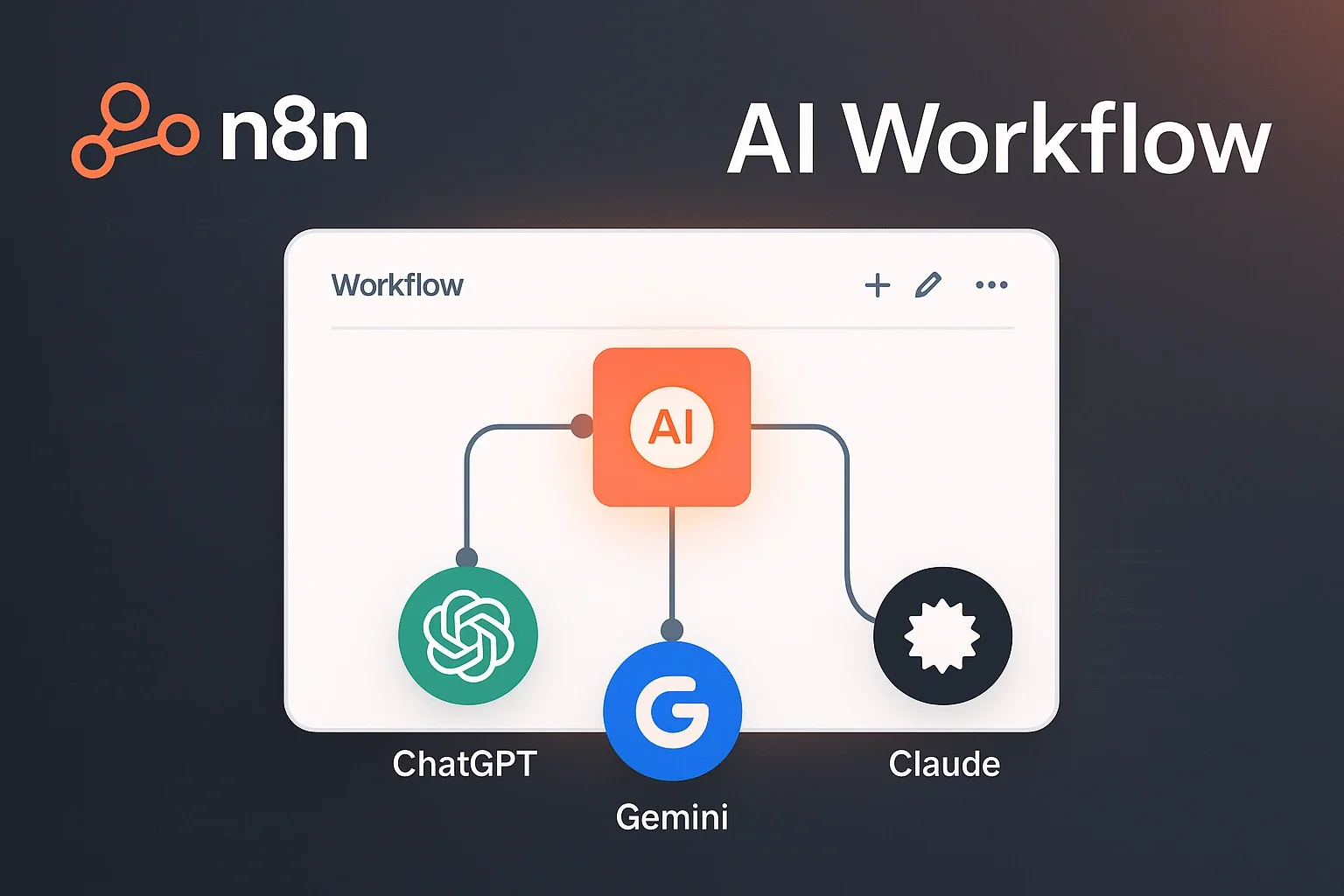
The true value of n8n is realized through integration with AI capabilities. Integration with major AI services like OpenAI, Google Gemini, Anthropic Claude, and Ollama enables the following advanced automation:
1. Automatic Text Generation and Summarization
You can significantly streamline text-related tasks such as automated sales email replies, report summarization, and social media post creation. For example, you can build workflows that automatically categorize customer inquiry emails and have AI generate appropriate response drafts.
2. Image Processing and OCR
Information can be automatically extracted from image data like invoices and business cards using AI. The extracted data can also be automatically registered in databases or spreadsheets.
3. Data Analysis and Prediction
Sales data and customer behavior data can be analyzed with AI to automate future predictions and anomaly detection. Workflows can be built where analysis results are automatically turned into reports and emailed to stakeholders.
4. Chatbots and AI Agents
Using n8n, you can build sophisticated AI agents3. Beyond simple responses, you can create intelligent agents that automatically execute complex tasks by integrating with multiple tools and APIs.
Real-World Use Cases
Here are several examples of how n8n and AI are combined in practice:
Case 1: Marketing Automation
A marketing team has built the following workflow:
- Regularly scrape competitor blog posts
- Summarize and analyze article content with AI
- Extract important trends and topics
- Create reports with insights applicable to their content strategy
- Automatically notify stakeholders via Slack
This workflow reduced market research time from 10 hours per week to 30 minutes.
Case 2: Customer Support Efficiency
An e-commerce company achieved the following automation using n8n:
- Automatically categorize customer inquiry emails (returns, shipping, product questions, etc.)
- AI generates reply templates for each category
- Complex inquiries are forwarded to human operators
- Response history is automatically recorded in CRM
This system reduced initial response time from an average of 24 hours to 2 hours and significantly improved customer satisfaction.
Case 3: Internal Document Management and Search
The IT department of a large corporation built an internal document search system by combining n8n and RAG (Retrieval Augmented Generation):
- Regularly collect various internal documents (PDF, Word, Excel)
- Vectorize document content with AI and store in database
- Search related documents in response to employee questions
- AI generates answers based on document content
This successfully reduced internal information search time by 80%.
Getting Started with n8n
Getting started with n8n is surprisingly simple. You can try it right now with the following steps:
Step 1: Installation
The easiest way is to use Docker:
docker run -it --rm --name n8n -p 5678:5678 -v ~/.n8n:/home/node/.n8n docker.n8n.io/n8nio/n8nAfter running the command, access http://localhost:5678 in your browser to see the n8n dashboard.
Step 2: Creating Your First Workflow
- Click “Create New Workflow”
- Drag and drop required services from the left node panel
- Connect nodes with lines
- Configure each node
- Execute with “Execute Workflow”
Step 3: Adding AI Features
To use AI features, add corresponding nodes:
- OpenAI Node: Integrate with ChatGPT and DALL-E
- Google Gemini Node: Use Google’s latest AI models
- LangChain Node: Build complex AI workflows
Once you set API keys for each node, you can immediately leverage AI features.
Pricing Plans and How to Choose
n8n offers the following pricing plans:
Self-Hosted Version (Free)
- Completely free to use
- Requires operation on your own server
- Security and maintenance are your responsibility
n8n Cloud (Paid)
- Available from $20 per month
- No server management required
- Includes automatic updates and support
- Pay-per-use based on execution count
For small teams or individual use, we recommend starting with the self-hosted version. For serious business use, consider n8n Cloud for stability and support.
Key Points for Leveraging n8n
Here are the key points for effectively using n8n:
1. Start Small
Rather than building complex workflows immediately, start with simple automation. For example, begin with a simple workflow like “notify daily news to Slack” and gradually increase complexity.
2. Don’t Forget Error Handling
The most important aspect of automation is error handling. n8n has comprehensive error handling features, so make sure to configure them.
3. Leverage the Community
n8n has an active community where many workflow templates are shared. Rather than reinventing the wheel, reference existing templates to significantly reduce development time.
4. Consider Security
Manage confidential information like API keys and passwords safely using n8n’s credential management features. Proper access control is especially important in production environments.
n8n demonstrates how open-source innovation can democratize advanced automation. With over 1,000 service integrations and seamless AI capabilities, it transforms complex business processes into visual workflows that anyone can build and understand. The real-world impacts speak volumes - marketing teams reducing research time from 10 hours to 30 minutes, customer support response times dropping from 24 hours to 2 hours, and internal search efficiency improving by 80%.
What makes n8n particularly compelling is its accessibility combined with power. You can start for free with self-hosting, experiment with simple automations, and gradually scale to enterprise-level AI-powered workflows. As businesses increasingly rely on AI and automation for competitive advantage, n8n provides a practical path forward - one that doesn’t require extensive coding knowledge but doesn’t sacrifice capability. The future of work involves humans orchestrating AI tools to achieve unprecedented efficiency, and n8n puts that future within reach today.
Sources
- How to Develop AI Agents Using n8n - Basic overview of n8n and AI agent development methods
- What is n8n? Usage, Differences from Other Tools, and Use Cases - Detailed explanation by AI Research Institute
- Advanced AI Workflow Automation Software & Tools - n8n official website (AI features introduction)
Was this article helpful?
Thank you!
Received. Thank you!