Claude Code Gets "Mods": TypeScript Extensions That Rewrite Prompts, the Interface and Built-in Features
On October 1, 2026, Anthropic released mods, extensions for the Claude Code CLI and desktop app. They are distributed as plugins and run unsandboxed with the user's permissions. For Team and Enterprise plans, plus some other setups, a built-in sec-default mod loads first, which Anthropic says stops user-installed mods from overriding deny rules.
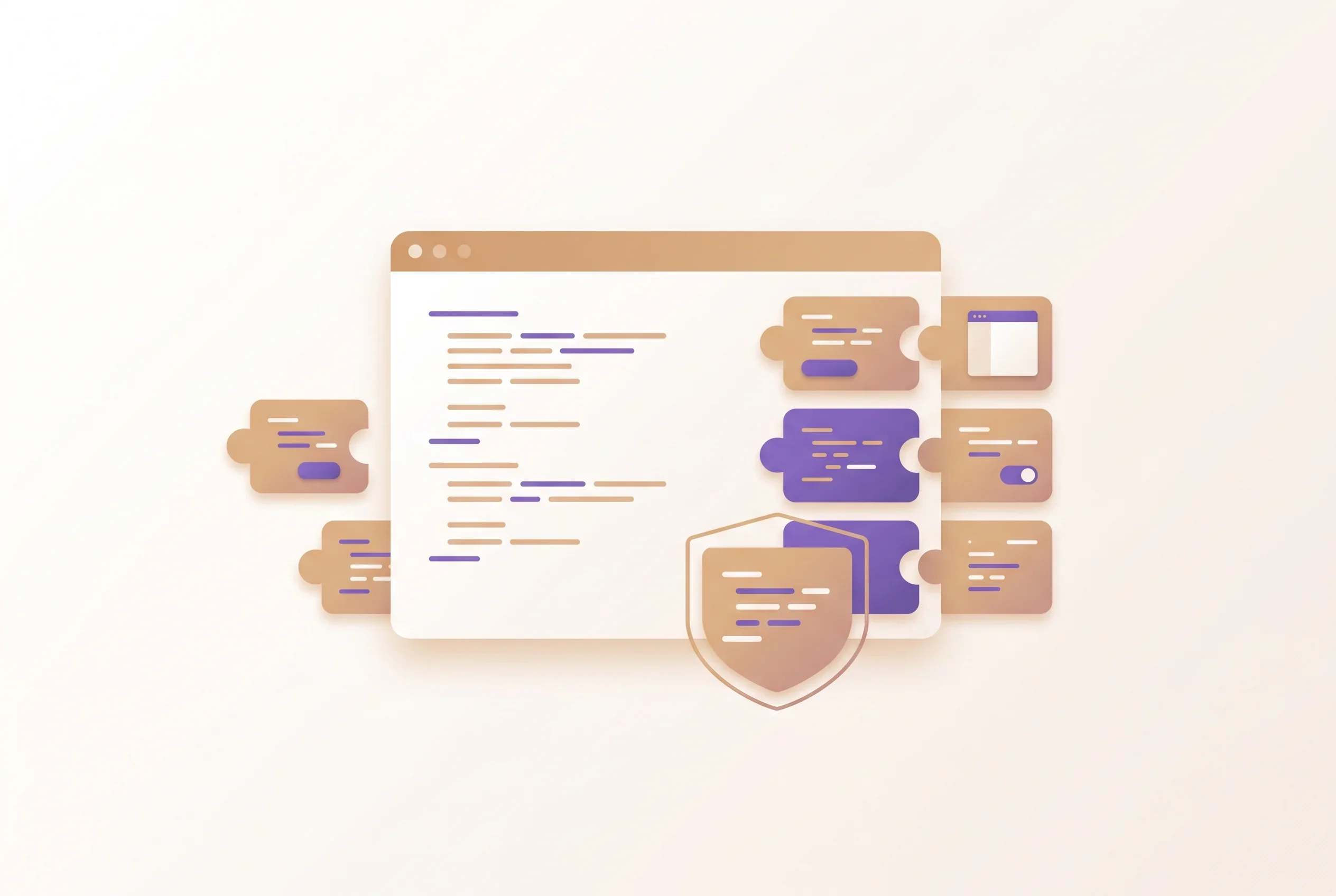
On October 1, 2026, Anthropic introduced “mods” for Claude Code: short functions written in TypeScript that alter how the tool behaves1. With a mod, a prompt can be rewritten, new interface elements can be added, and a built-in feature can be swapped out. Users can write one by hand or have Claude Code generate it. Mods are packaged as plugins, so they are installed and passed around the way any plugin is, and they work in both the CLI and the desktop app of Claude Code.
Anthropic states plainly that mods are not sandboxed and that they reach the machine with the same level of access Claude Code has, and it asks users to install them only from providers they trust. For organizations, a built-in mod called “sec-default” loads first for Team and Enterprise plans, plus some other setups, blocking certain things that user-installed mods could otherwise do.
Functions that step in around events
As Anthropic describes it, Claude Code raises an event every time it acts, for instance when it invokes a tool, checks a permission, or draws a piece of the screen. Mods hook one of those events and can execute ahead of it, after it, or in its place1. A mod can also wrap an event so its code runs on both sides.
Anthropic gives four examples of what a single function can do: change a prompt before the model sees it; block, alter or retry a tool call; grant or refuse a permission request; and remove secrets from a tool’s output ahead of Claude seeing it. On the display side, a mod can edit or replace parts of what Claude Code renders, such as a tool’s result or a question Claude asks; buttons and input fields can be added too. When more than one mod hooks the same event, they execute in load order: the mod loaded first receives the event first and gets the result back last.
Some of Claude Code’s own features are now delivered as mods. The example given is /diff, which can be switched off from /plugin or replaced with a version of your own. Anthropic says it intends to keep moving built-in features into mods, so that Claude Code can be stripped back to a small core with only the wanted pieces added back.
Where settings-file hooks fell short
Anthropic’s stated motivation is that developers wanted more say over Claude Code’s behavior without having to wait for the company to ship features1. In the company’s account, hooks met part of that demand but could not rewrite events, render new interface elements, or take the place of features. Anthropic says it posted the mods design on GitHub ahead of launch to gather developer input.
Hooks are not going away. The administrator documentation says hooks defined in a plugin’s hooks/hooks.json or in settings files keep working alongside mods, and that none of them have been deprecated2. As another way for organizations to place a checkpoint, Anthropic released inference hooks for Claude Enterprise in August. At that time, Anthropic said native inline enforcement had been limited to client-side hooks in Claude Code.
On by default from v2.1.287
According to the administrator documentation, mods are switched on out of the box starting with Claude Code v2.1.2872. The CHANGELOG entry for 2.1.287 also lists the addition of Claude Mods3.
There are two ways to get one: through the Claude directory, or alternatively by installing a mod-bearing plugin with the CLI’s /plugin command. Sharing a mod you have written means packaging it inside a plugin, then filing that with the directory1.
Running unsandboxed, with the user’s own permissions
The administrator documentation defines a mod as a plugin whose code executes within Claude Code under whatever permissions its installer has, and it says explicitly that mods are not sandboxed2. Because a mod lives inside Claude Code, the documentation adds, it has more reach than a plugin’s other components: it sees each prompt and each tool call, can modify them, and can approve or refuse a tool call before any permission prompt is shown. Even where sec-default (covered below) is loaded, a mod installed by a user keeps the ability to read and write files, launch processes, send network requests, alter tool calls and prompts, and approve calls that would normally ask for confirmation, all under that user’s permissions.
On macOS, enabling Claude Code’s sandbox confines the commands the agent runs using Seatbelt, and in September the researchers who found a flaw in it published how that sandbox could be escaped. Mods fall outside this kind of sandbox. How much access to give agents running on a local machine is also being taken up at the operating-system level: on October 2, Apple announced plans to add controls to Full Disk Access in macOS.
To inspect a mod before installing it, the documentation points to claude plugin validate2. Run against the plugin’s directory, it prints the events the mod listens to and the API methods it calls, without executing the mod.
What sec-default stops, and what it does not
According to Anthropic, a built-in mod named sec-default is loaded ahead of the others for Team and Enterprise subscribers, as well as on any machine carrying managed settings (configuration pushed by administrators)1. Its job is to keep user-installed mods from risky behavior such as overriding permission deny rules, and its source code is public.
The documentation spells out the conditions in more detail. Anyone signing in via Google Cloud’s Agent Platform, Amazon Bedrock, Microsoft Foundry, or an API key receives the guard only on machines carrying managed settings2. Users cannot switch the guard off. What it protects is the input and decisions of managed hooks, the system prompt, managed instructions such as a managed CLAUDE.md, the settings that mods read, and managed MCP servers’ tools along with their descriptions.
The protection for deny rules has limits. Where the guard is loaded, a user’s mod cannot give approval to anything a deny rule refuses, and it cannot overturn a block from a PreToolUse hook in managed settings. According to the documentation, however, both protections apply to Claude’s tool calls and do not extend to file operations or process launches a mod performs through its own API. The documentation’s example: a Read(.env) deny rule does not prevent a mod from opening that file through its own API. A user’s mod can also approve calls that an ask rule would have prompted for, and calls blocked by a PreToolUse hook outside managed settings. In auto mode, the classifier does not check calls that a mod has approved.
The documentation also lists settings for administrators. Turning on the guard’s allowManagedModsOnly option keeps every mod a user brings from loading, including those in plugins the user installed, those loaded with --plugin-dir, and those Claude generated mid-session2. Turning on allowModsToOverrideDenyRules does the reverse and lets a user’s mod approve calls a deny rule refuses. If an organization sets prependPlugins to load its own mods first, that list replaces the default, so sec-default@builtin has to be named in it or the guard is dropped. The guard is described as failing closed: if managed settings are unreadable, every user mod is refused.
Permission-related fixes in 2.1.289
According to the CHANGELOG, 2.1.289 addressed a problem on managed machines: rules of the deny or ask type that targeted a command nested within a compound shell command failed to hold once a mod installed by the user had approved it3. The same release also closed a hole that let a plugin installed by a user alter the descriptions of sign-in tools on an organization-managed MCP server, and fixed installed mods that did not load the first time Claude Code started after an upgrade.
Because these fixes concern approval decisions, an organization that lets its users run mods would want its installations on 2.1.289 or later.
The deciding question for organizations
The starting point is whether sec-default loads in your environment. Using an account on the Team or Enterprise plan, or distributing managed settings, brings the guard with it. Environments that use API keys or cloud providers without distributing managed settings do not meet the documented conditions, and the guard does not load there.
Even with the guard in place, deny rules stop Claude’s tool calls, not the file operations or process launches a mod carries out through its own API. An organization that relies on deny rules to protect sensitive files should decide whether to allow mods with the understanding that this protection does not reach a user’s mod acting on its own. The options Anthropic lays out are to block users’ mods with allowManagedModsOnly, to restrict where mods can come from using marketplace restrictions together with disableSideloadFlags, or to have the organization’s own mod vet other mods as they load2.
For individual use, checking the API calls with claude plugin validate before installing shows ahead of time whether a mod touches files or the network.
Sources
- Customize Claude Code with mods - Anthropic official blog (October 1, 2026)
- Manage mods for your organization - Claude Code official documentation (checked October 6, 2026)
- Claude Code CHANGELOG - Anthropic official repository (entries for 2.1.287 and 2.1.289)
Was this article helpful?
Thank you!
Received. Thank you!