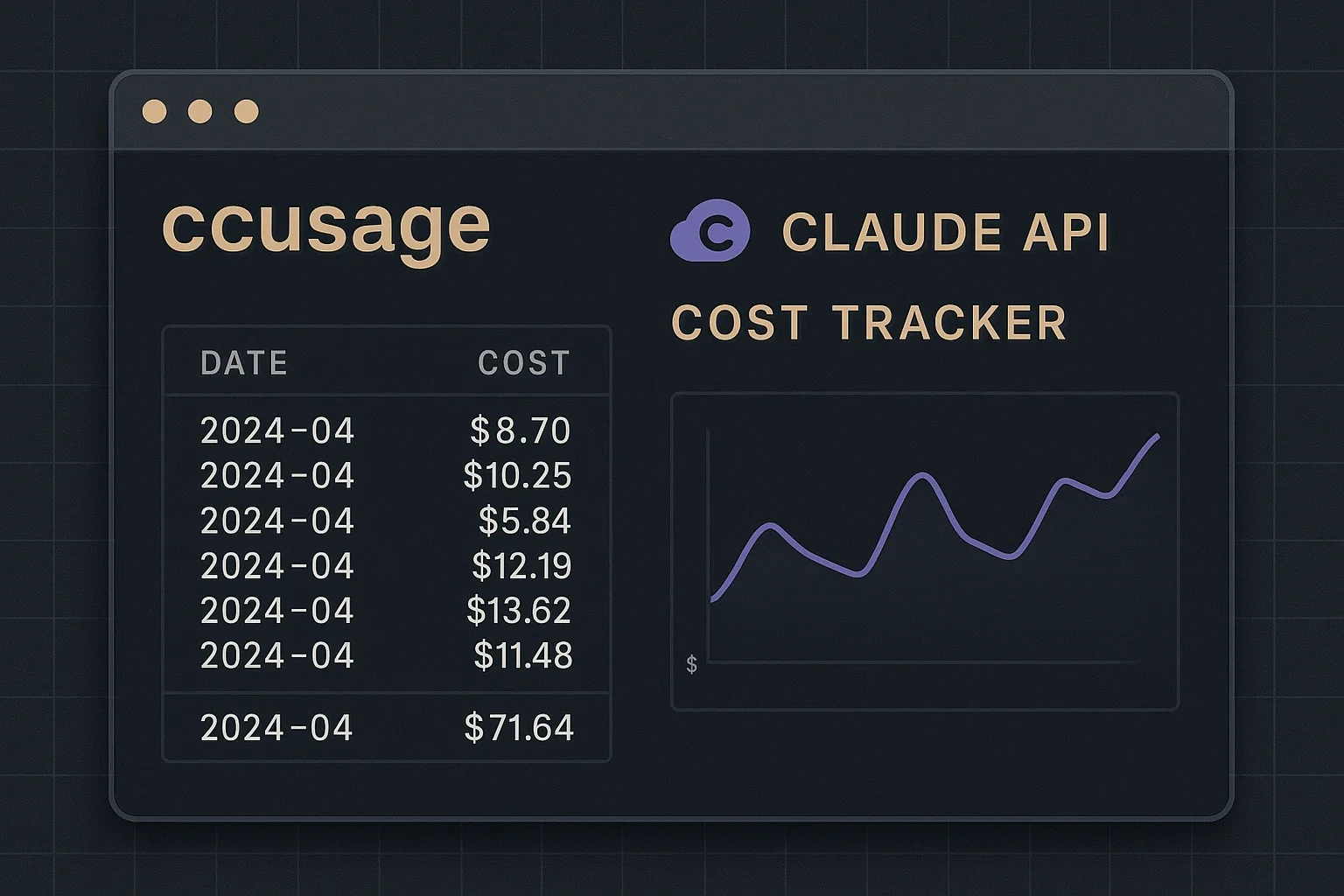
ccusage: Track Your Claude API Usage and Cost From the Command Line
ccusage is a CLI tool that shows your Claude API usage and cost in real time, with no install required. Track daily, monthly, and per-session token spend to keep AI costs under control.
When developing with the Claude API, you naturally wonder how many tokens you’re consuming and how much it’s costing. Especially as development becomes more active, unexpected costs can arise. “ccusage” is a convenient tool that solves this concern.
This article provides a detailed introduction to the usage and applications of “ccusage,” a CLI tool that makes it easy to check Claude API usage and costs.
What is ccusage? A Claude API Usage Visualization Tool
ccusage is an open-source CLI tool developed by @ryoppippi1. It provides clear visualization of API usage and costs for developers using Claude Code.
Key Features of ccusage
ccusage differs from other tools due to the following characteristics:
1. No Installation Required - Ready to Use Immediately
Using npm or bun, you can run it directly without installation. Starting with just one command npx ccusage@latest or bunx ccusage is truly convenient.
2. Diverse Report Formats
- Daily reports: Display daily token usage and costs
- Monthly reports: Check monthly aggregated data
- Session reports: Track usage by project
- 5-hour blocks: Track usage in 5-hour billing units
3. Detailed Usage Analysis All necessary information is visible at a glance: input tokens, output tokens, total tokens, and costs in USD.
4. Model-Specific Breakdown Display You can check cost breakdowns by model used, such as Claude 3 Opus, Sonnet, and Haiku. This helps you understand which models account for most of your costs.
How ccusage Works
ccusage reads and analyzes usage history data that Claude Code stores locally. Specifically, it retrieves information from JSONL files in the ~/.claude/projects/ directory2.
This approach has the following benefits:
- No API key required (references local data)
- Works offline
- Can check all past usage history
Let’s Try It: Basic Usage
Step 1: Check Daily Usage
The most basic usage is to check daily usage:
npx ccusage@latest dailyRunning this command displays results in the following table format:
Date       Input Tokens  Output Tokens  Total Tokens  Cost (USD)
2025-06-20     150,000       45,000       195,000       $3.45
2025-06-19     230,000       62,000       292,000       $5.12
2025-06-18      85,000       28,000       113,000       $1.98
Step 2: Check Monthly Aggregates
To manage costs on a monthly basis, use the monthly command:
npx ccusage@latest monthlyStep 3: Project-Specific Usage
To know which projects are using the API heavily, the session command is convenient:
npx ccusage@latest sessionThis displays usage and costs by project, helping with resource optimization.
Advanced Usage: Filtering and Export
Filtering by Date Range
To view data for a specific period, use --since and --until options:
npx ccusage@latest daily --since 20250601 --until 20250620Export in JSON Format
To analyze data with other tools, you can output in JSON format:
npx ccusage@latest daily --json > usage_data.jsonThe output JSON can be further analyzed with jq commands or Python scripts.
Detailed Analysis by Model
Using the --breakdown option displays cost breakdowns by model used:
npx ccusage@latest daily --breakdownPractical Use Case Scenarios
Scenario 1: Development Cost Budget Management
A development team has built the following workflow using ccusage:
- Check previous day’s API usage every morning
- Confirm previous month’s total costs at the beginning of each month
- Analyze cost allocation by project
- If there are signs of budget overrun, consider reviewing models being used
Scenario 2: Model Selection Optimization
For individual developers prioritizing cost performance:
- Check usage status of each model with
--breakdownoption - Check if Opus is being used for simple tasks
- Identify tasks where Haiku or Sonnet would suffice
- Optimize model selection to reduce costs
Scenario 3: Sharing Usage Status in Team Development
Team development use case:
- Share ccusage reports in weekly meetings
- Create scripts to automatically post JSON output to Slack
- Set alerts for abnormal usage
- Share cost awareness across the entire team
Integration with MCP (Model Context Protocol)
ccusage has also added MCP support in the latest version. This allows you to check usage status directly from editors like VS Code and Cursor.
To run as an MCP server:
ccusage mcpThis enables real-time monitoring of API usage without leaving your development environment.
Installation Options
ccusage provides flexible installation methods:
Temporary Use (Recommended)
# Using npm
npx ccusage@latest

# Using bun
bunx ccusage
Global Installation
For frequent use, global installation is also possible:
npm install -g ccusageImportant Notes and Limitations
Cautions when using ccusage:
- Unofficial Tool: This is not an official tool from Anthropic or Claude Code
- Local Data Dependency: Requires Claude Code to be installed with usage history saved
- Price Data: Price information is updated regularly but may differ from the latest pricing structure
ccusage exemplifies how developer-focused tools should be built - solving a real pain point with elegant simplicity. By transforming Claude API usage data into clear, actionable insights, it addresses the universal developer concern of managing AI costs effectively. The tool’s strength lies in its accessibility (no installation required with npx), comprehensive analysis options (daily/monthly/project breakdowns), and practical features like JSON export and MCP integration.
For teams and individuals working with Claude’s API, ccusage fills a critical gap in the development workflow. Its ability to track costs across different models, analyze trends over time, and integrate seamlessly with development environments makes it an essential addition to any Claude developer’s toolkit. As AI API usage becomes increasingly central to modern development, tools like ccusage that provide transparency and control over costs will only grow in importance.
Sources
- Introduction to ccusage - Zenn (detailed explanation by developer)
- ccusage GitHub Repository - Official repository (latest information and documentation)
Was this article helpful?
Thank you!
Received. Thank you!