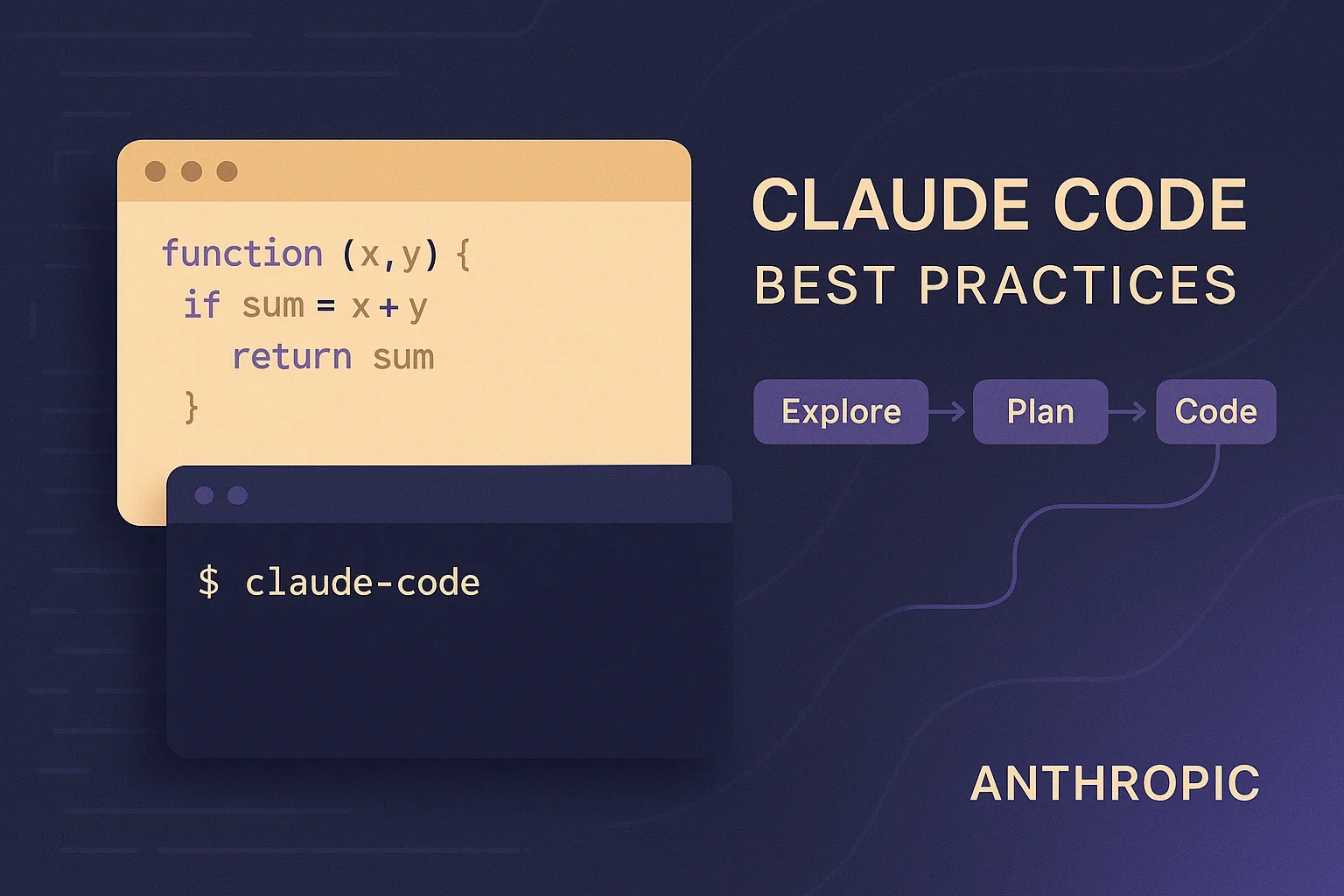
Claude Code in Practice: Getting the Most Out of AI-Assisted Programming
Practical patterns for working with Claude Code, drawn from Anthropic's official best practices and quickstart documentation
This guide draws on Anthropic’s official Claude Code best practices and quickstart documentation to lay out practical ways of working. It was updated on September 2, 2026 to match the current documentation.
What Claude Code is
Claude Code is Anthropic’s command-line coding environment (for how it came about, see our article on its official release). The official documentation describes it as an agentic coding environment: unlike a chatbot that answers questions and waits, Claude Code reads your files, runs commands, makes changes, and works through problems autonomously while you watch, redirect, or step away entirely 1.
Everything rests on the context window
The documentation states that most best practices come from one constraint: Claude’s context window fills up fast, and performance degrades as it fills 1. The window holds the entire conversation — every message, every file read, every command output — so a single debugging session or codebase exploration can consume tens of thousands of tokens 1. The documentation calls the context window “the most important resource to manage” 1.
The practices below all read as responses to that constraint.
Give Claude a way to verify its work
The first practice in the current documentation is giving Claude a check it can run — tests, a build, a screenshot to compare — anything that returns a pass or fail 1.
The reason: Claude stops when the work looks done. Without a check it can run, “looks done” is the only signal available, and you become the verification loop 1. Hand it something that returns pass or fail and the loop closes on its own: Claude works, runs the check, reads the result, and iterates until it passes 1.
The documentation lays out four levels of how hard the check gates the stop 1:
- In one prompt: ask Claude to run the check and iterate in the same message
- Across a session: set the check as a
/goalcondition. A separate evaluator re-checks it after every turn and Claude keeps working until the goal resolves - As a deterministic gate: a Stop hook runs your check as a script and blocks the turn from ending until it passes. Claude Code overrides the hook and ends the turn after 8 consecutive blocks
- By a second opinion: a verification subagent or a dynamic workflow has a fresh model try to refute the result
The documentation also recommends having Claude show evidence rather than assert success: the test output, the command it ran and what it returned, or a screenshot. Reviewing evidence is faster than re-running the verification yourself, and it works for sessions you weren’t watching 1.
The four basic steps
The recommended workflow is still four phases — explore, plan, implement, commit — as it was when this article was first published 1.
1. Explore
Start in plan mode and let Claude read files and answer questions without making changes. Enter plan mode by pressing Shift+Tab until the status bar shows ⏸ plan mode on, or start the session with claude --permission-mode plan 1.
2. Plan
Still in plan mode, ask for a detailed implementation plan 1. Press Ctrl+G to open the plan in your text editor and edit it directly before Claude proceeds 1.
Plan mode also adds overhead. The documentation says that for tasks where the scope is clear and the fix is small — fixing a typo, adding a log line, renaming a variable — you should just ask Claude to do it. The rule of thumb: if you could describe the diff in one sentence, skip the plan 1.
3. Implement
Approve the plan or press Shift+Tab to leave plan mode, then let Claude code while verifying against its plan 1.
Precise instructions mean fewer corrections. The documentation recommends scoping the task (which file, what scenario, testing preferences), pointing Claude to the source that can answer a question (such as the relevant git history), and referencing existing patterns in your codebase as examples 1.
4. Commit
When the work is done, ask Claude to commit with a descriptive message and open a PR 1.
Configuring your environment
Writing an effective CLAUDE.md
CLAUDE.md is the file Claude reads at the start of every conversation. Put Bash commands, code style, and workflow rules in it — the persistent context Claude can’t infer from code alone 1. Run /init to generate a starter file based on your current project structure, then refine it over time 1. Run /context to confirm Claude loaded it 1.
Keeping it short matters. For each line, the documentation says to ask “Would removing this cause Claude to make mistakes?” and cut it if not. Bloated CLAUDE.md files cause Claude to ignore your actual instructions 1. For a checked-in CLAUDE.md, run /doctor and Claude proposes cuts for content it can derive from the codebase 1.
Things to leave out include anything Claude can figure out by reading code, standard language conventions, detailed API documentation (link to it instead), and information that changes frequently 1.
If Claude keeps skipping one instruction, add emphasis such as “IMPORTANT” to that line alone. If you emphasize many lines, none of them stands out 1.
Note that domain knowledge and workflows that are only relevant sometimes belong in skills, not CLAUDE.md. Claude loads skills on demand without bloating every conversation 1.
Designing permission modes
Earlier versions of this article described giving Claude some latitude under the name “Safe YOLO mode.” The current documentation organizes this area as permission modes.
- Auto mode: on Pro, Max, and Team plans this is the built-in starting permission mode for interactive terminal and VS Code sessions. A separate classifier model reviews most actions instead of you and blocks only what looks risky — scope escalation, unknown infrastructure, or hostile-content-driven actions 1 (for how it became the default, see our article on auto mode)
- Manual mode: the built-in starting mode on other plans. Claude Code asks before actions that might modify your system: file writes, Bash commands, MCP tools. The documentation itself concedes that after the tenth approval you’re clicking through rather than reviewing 1
Two tools cut those interruptions, and both apply in auto mode as well: permission allowlists for tools you know are safe (npm run lint, git commit), and sandboxing, OS-level isolation that restricts filesystem and network access 1. Use /permissions and /sandbox, and switch to Manual mode when you want to approve edits and commands yourself 1.
Reach external services through CLI tools
The documentation says CLI tools are the most context-efficient way to interact with external services. If you use GitHub, install the gh CLI and Claude will use it for creating issues, opening pull requests, and reading comments. Without gh, Claude can still use the GitHub API, but unauthenticated requests often hit rate limits 1.
Claude is also effective at learning CLI tools it doesn’t know, via prompts like “Use foo-cli-tool --help to learn about foo tool, then use it to solve A, B, C” 1.
Extending it: skills, subagents, hooks, plugins
When this article was first published, custom slash commands were the main extension mechanism. There are now four distinct surfaces.
Skills are SKILL.md files in .claude/skills/ that give Claude domain knowledge and reusable workflows specific to your project, team, or domain. Claude applies them automatically when relevant, or you invoke them directly with /skill-name. Use disable-model-invocation: true for workflows with side effects that you want to trigger manually 1.
Subagents are specialized assistants defined in .claude/agents/ that run in their own context with their own set of allowed tools. They suit tasks that read many files or need specialized focus without cluttering the main conversation 1.
Hooks are for actions that must happen every time with zero exceptions. Unlike CLAUDE.md instructions, which are advisory, hooks are deterministic and guarantee the action happens. Configure them in .claude/settings.json and run /hooks to browse what’s set 1.
Plugins bundle skills, hooks, subagents, and MCP servers into a single installable unit. Run /plugin to browse the marketplace 1.
For external tools, connect MCP servers with claude mcp add plus a server name and URL or command — for example claude mcp add --transport http notion https://mcp.notion.com/mcp 1. Notion, Figma, and your own database plug in here 1.
Managing your session
Conversations are persistent and reversible 1.
Correct Claude as soon as you notice it going off track. Esc stops Claude mid-action with context preserved, so you can redirect 1. Esc twice, or /rewind, rolls back to a checkpoint 1.
Before a larger feature, the documentation suggests having Claude interview you. Start with a minimal prompt, ask it to interview you in detail using the AskUserQuestion tool about technical implementation, UI/UX, edge cases, and tradeoffs, then have it write a complete spec to SPEC.md. Once the spec is done, start a fresh session to execute it — clean context focused entirely on implementation 1.
Automating and scaling
Non-interactive mode
claude -p "prompt" runs Claude without an interactive prompt. This is how you integrate it into CI pipelines, pre-commit hooks, or any automated workflow 1. Output formats are plain text, JSON (--output-format json), and streaming JSON (--output-format stream-json --verbose) 1. The run still creates a resumable session unless you pass --no-session-persistence 1. On combining this with GitHub Actions, see our article on Max subscription support in GitHub Actions.
For uninterrupted non-interactive execution, use auto mode: claude --permission-mode auto -p "fix all lint errors" 1.
Running multiple sessions in parallel
The options differ by how much coordination you want to do yourself 1:
- Worktrees: run separate CLI sessions in isolated git checkouts so edits don’t collide
- Cross-session messaging: let the sessions you run yourself pass findings to each other
- Desktop app: manage multiple local sessions visually, each in its own worktree
- Claude Code on the web: run sessions in the cloud, on Anthropic-managed infrastructure by default
- Agent view: a research preview. Run
claude agentsto dispatch sessions that keep running in the background and watch them from one screen - Agent teams: experimental and disabled by default. Automated coordination of multiple sessions with shared tasks, messaging, and a team lead
Beyond parallelism, multiple sessions enable quality-focused workflows. A fresh context improves code review since Claude won’t be biased toward code it just wrote 1. The documentation describes a Writer/Reviewer pattern with session A implementing and session B reviewing, and a variant where one Claude writes tests and another writes the code to pass them 1.
Fanning out across files
For large migrations or analyses, distribute work across many parallel invocations. Inside a git repository, /batch <instruction> has Claude split the change across 5 to 30 subagents, each working in its own worktree and opening a pull request 1.
To drive it from your own script, have Claude write the list of files first, then loop over claude -p. Refine your prompt on the first two or three files before running the full set 1. When running unattended, --allowedTools restricts what Claude can do 1.
Adding an adversarial review step
Before treating a task as done, the documentation recommends having a subagent review the diff in a fresh context and report gaps 1. The longer Claude works unattended, the more an independent check matters. A reviewer in a fresh subagent context sees only the diff and the criteria you give it, not the reasoning that produced the change, so it evaluates the result on its own terms 1.
For a correctness check, run the bundled /code-review skill, which reviews the current diff for bugs in a fresh subagent and returns findings to the session 1.
There is a caveat. A reviewer prompted to find gaps will usually report some, even when the work is sound, because that is what it was asked to do. Chasing every finding leads to over-engineering: extra abstraction layers, defensive code, tests for cases that can’t happen. Tell the reviewer to flag only gaps that affect correctness or the stated requirements, and treat the rest as optional 1.
Common failure patterns
The documentation lists mistakes that cost time when you don’t catch them early 1:
- The kitchen sink session. You start with one task, ask something unrelated, then go back to the first task, and context is full of irrelevant information. Fix:
/clearbetween unrelated tasks - Correcting over and over. Claude gets it wrong, you correct it, it’s still wrong, you correct again, and context is polluted with failed approaches. Fix: after two failed corrections,
/clearand write a better initial prompt incorporating what you learned - The over-specified CLAUDE.md. If it’s too long, Claude ignores half of it because important rules get lost in the noise. Fix: prune ruthlessly. If Claude already does something correctly without the instruction, delete it or convert it to a hook
For internal architecture and more advanced usage, see our Claude Code Deep Dive article.
Sources
- Best practices for Claude Code - Anthropic official documentation (best practices for Claude Code; the destination of the redirect from the former
anthropic.com/engineering/claude-code-best-practices) - Claude Code Quickstart - Anthropic official documentation (quickstart guide; the destination of the redirect from the former
docs.anthropic.com/en/docs/claude-code/quickstart)
Was this article helpful?
Thank you!
Received. Thank you!